Error reports
This is how you report an error in the content to the editors, and what happens once you have sent the report.
Report an error in a section
Copy link to “Report an error in a section”An error report tells the editors about an error in the content. It is not the same as a comment: a comment is your own note that only you can see, while a report goes to the editors.
- Point at the section’s heading. The flag shows beside the comment button.
- Choose the flag. A window with Report an error opens with the section’s number and title.
- Describe the error and choose Send. What to write is in Describe the error.
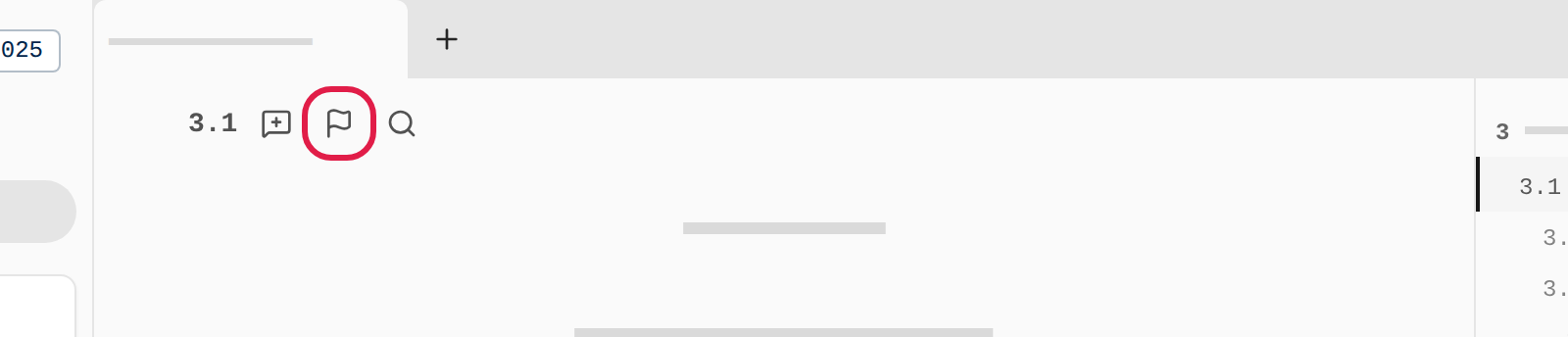
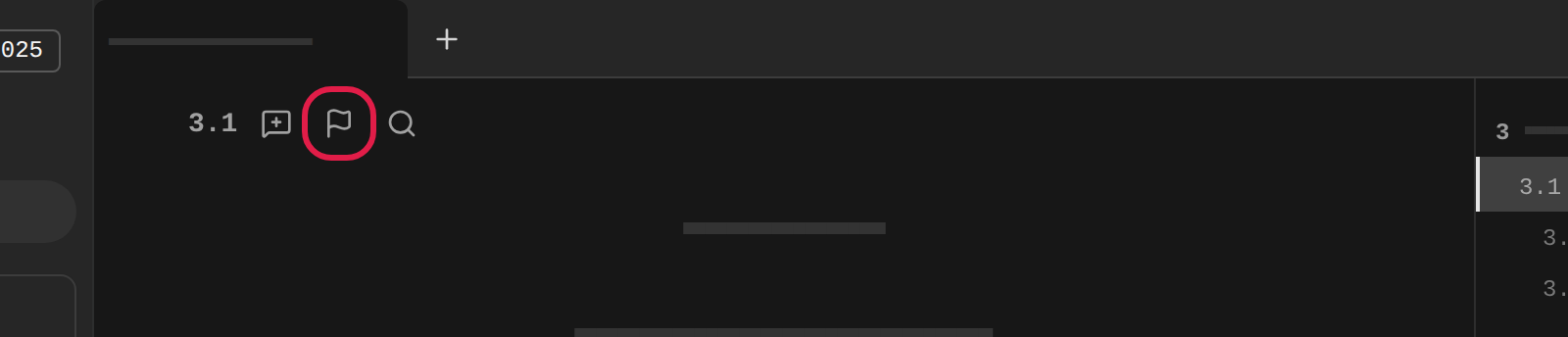
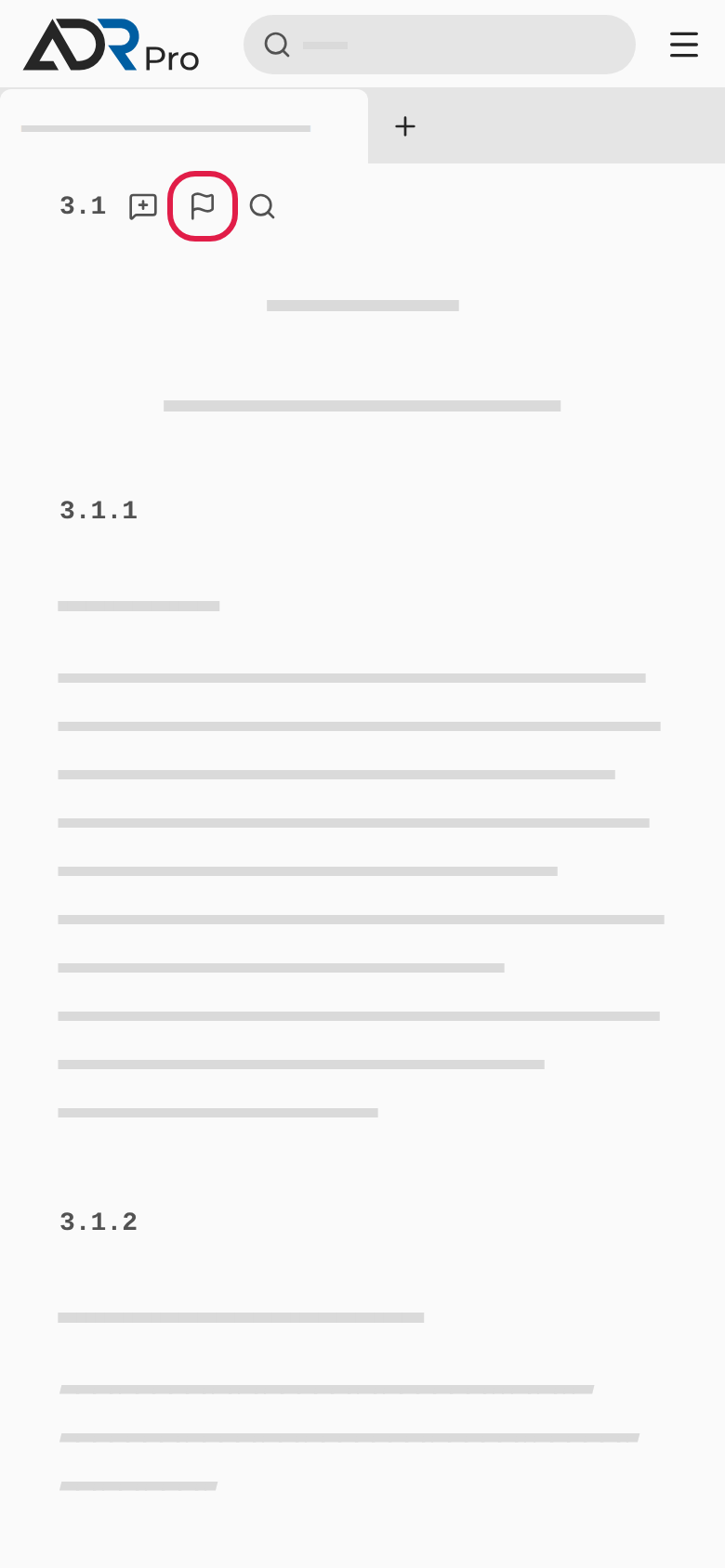
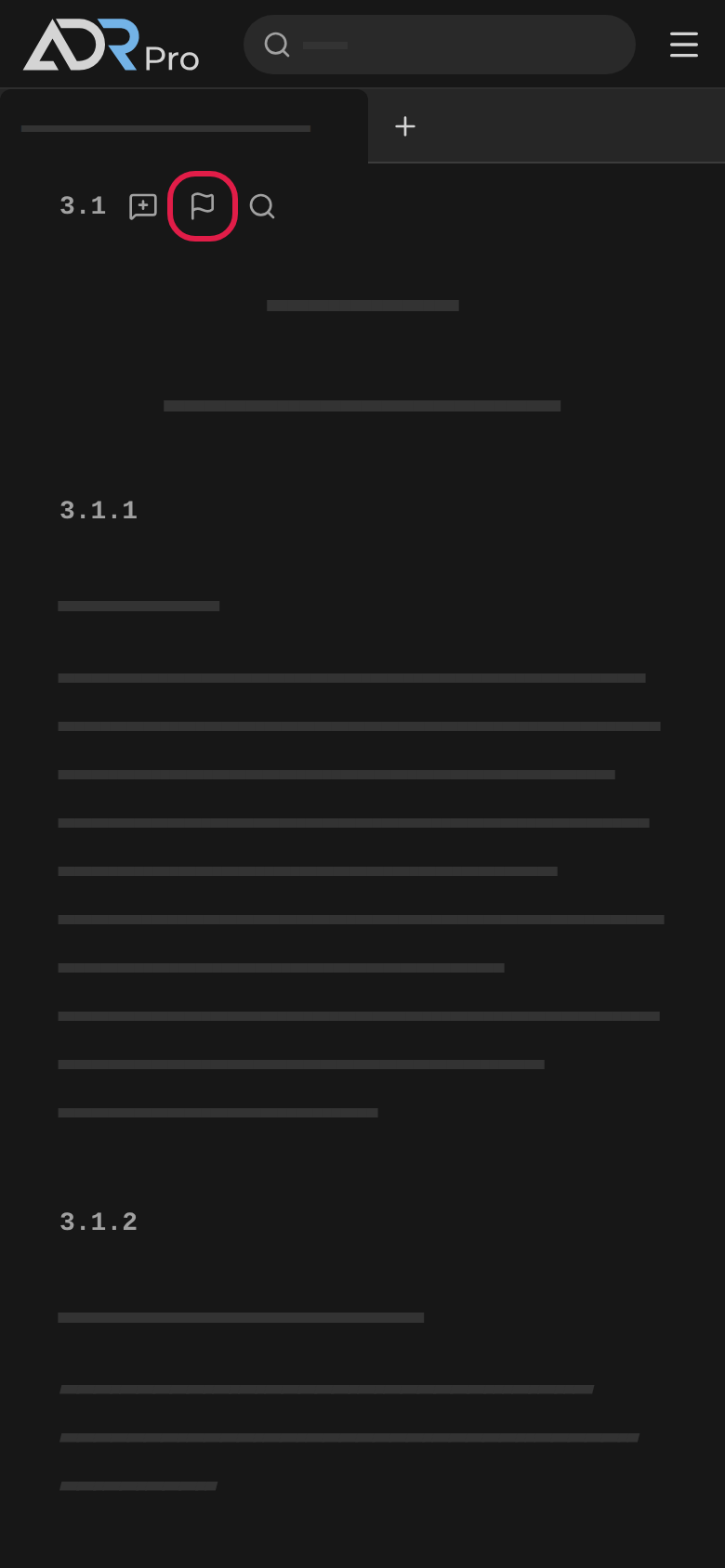
On a phone the flag is always shown by the heading. The same flag is by the headings in the other documents that belong to the ADR, such as a foreword.
Report an error in some text
Copy link to “Report an error in some text”- Select some words in a paragraph with the mouse.
- Choose Report an error by the selection.
- Describe the error and choose Send.
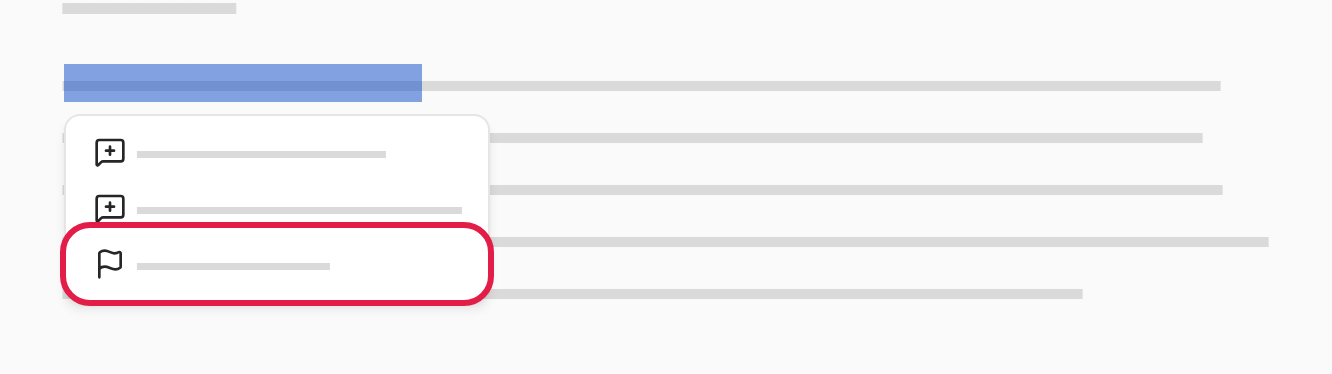
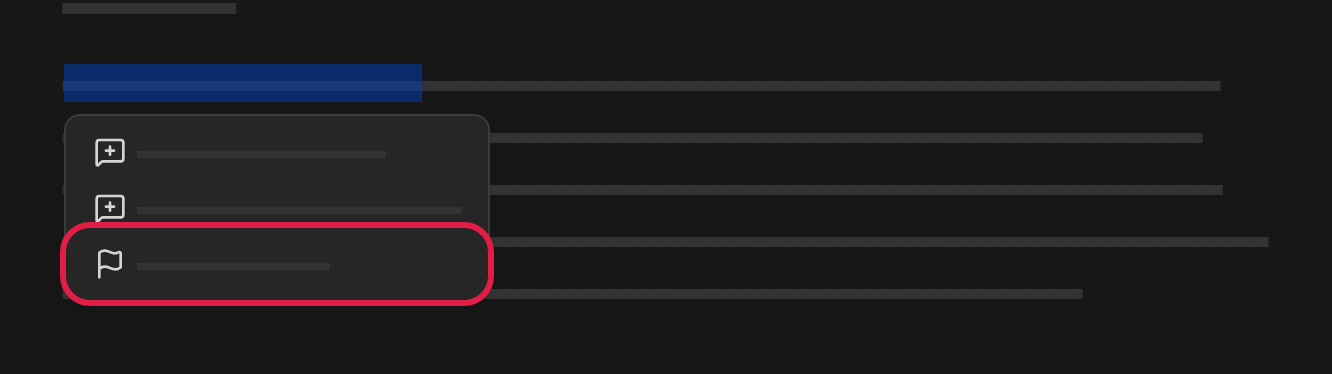
The report is on the words you selected. If the selection spans several cells in a table, or is too long, the report is on the whole row or the whole paragraph. If you have selected text in several paragraphs, report the error from the flag by the heading.
On a phone you report the whole section from its heading.
Report an error in Table A
Copy link to “Report an error in Table A”- Choose Report an error above the table on the right. On a phone the button is below the search field.
- Describe the error, and write the UN number and the column, so the editors can find the place.
- Choose Send.


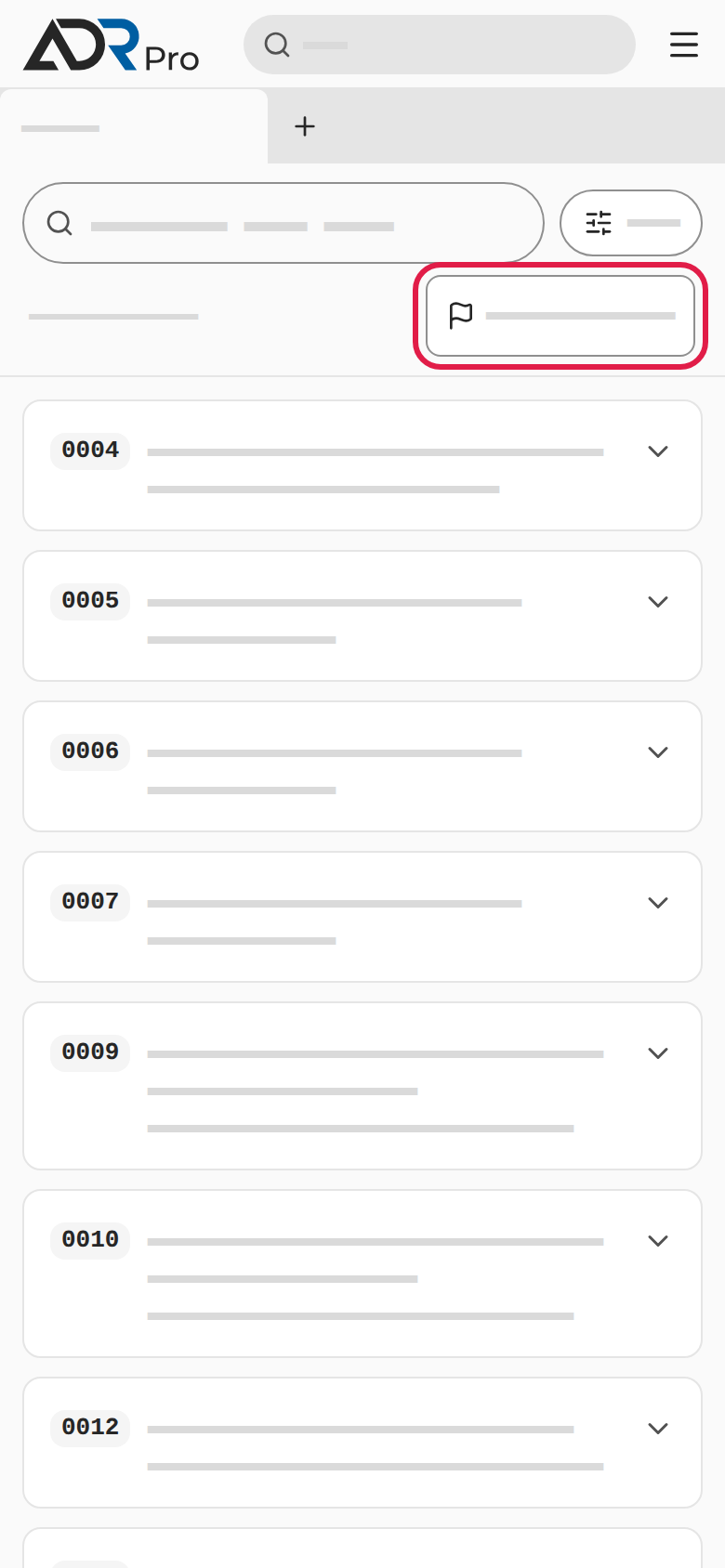
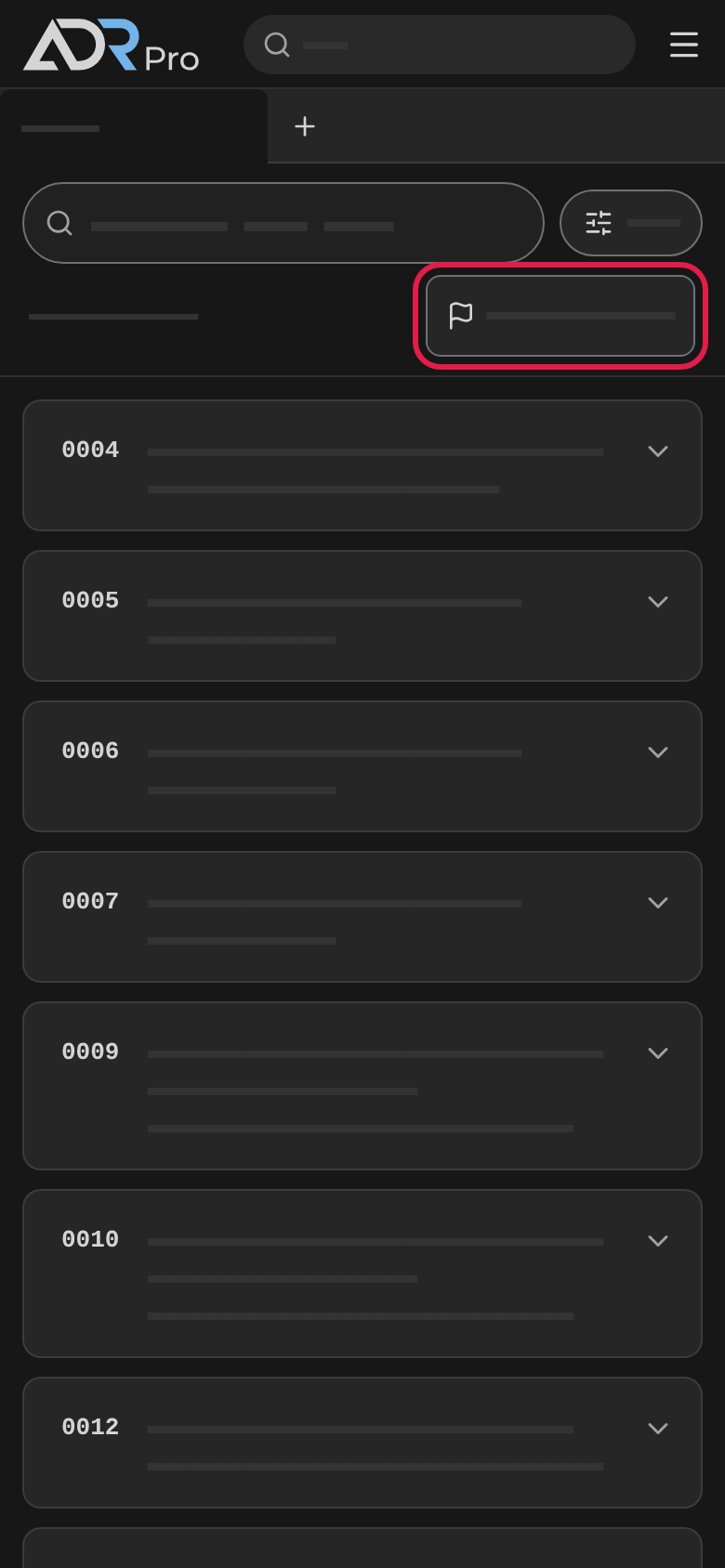
The report is on Table A as a whole and not on a particular row. That is why you write where the error is yourself.
Describe the error
Copy link to “Describe the error”- In the Describe the error field, write what is wrong, and what it should say if you know.
- Choose Send (1). Cancel closes the window without sending.
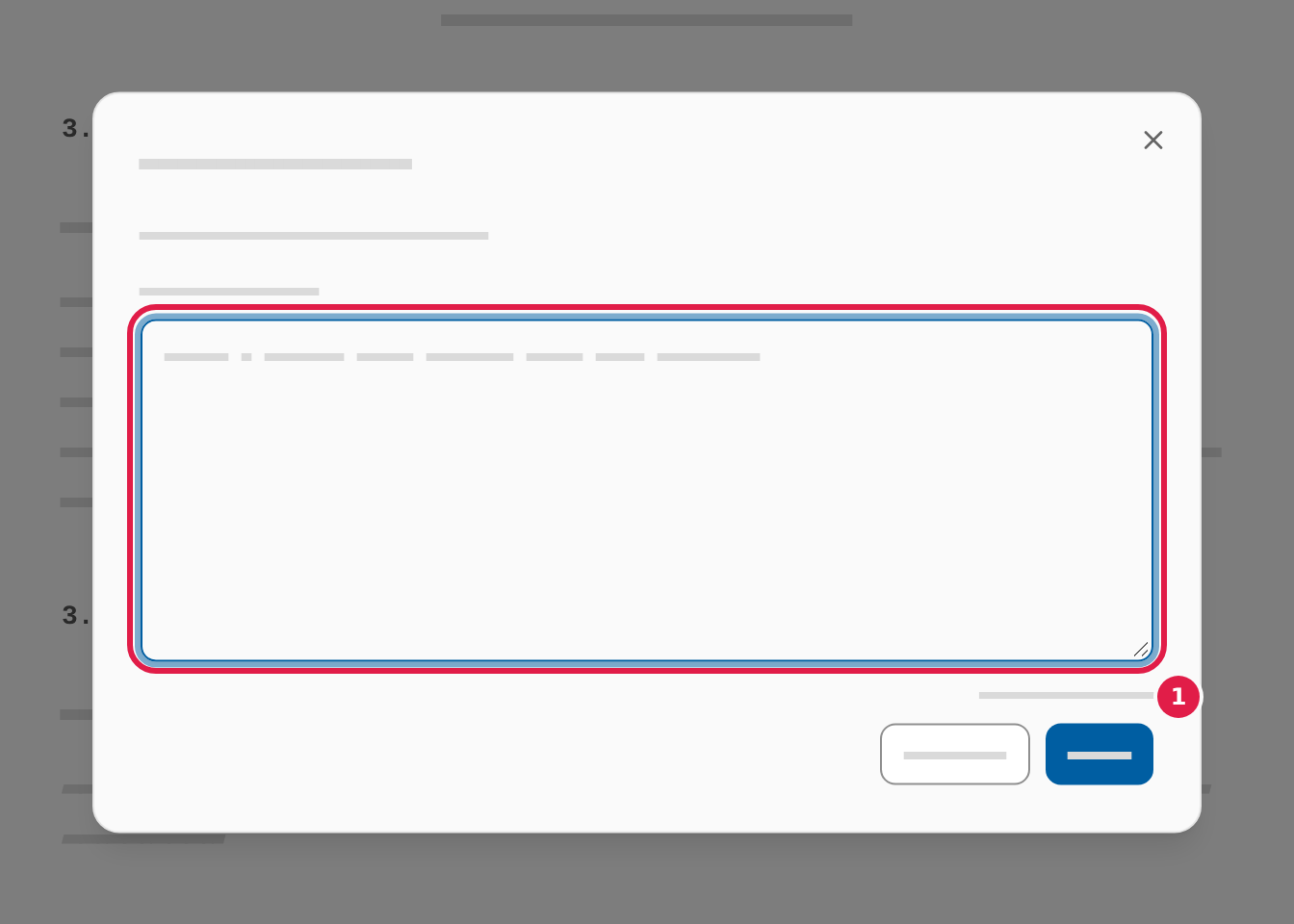
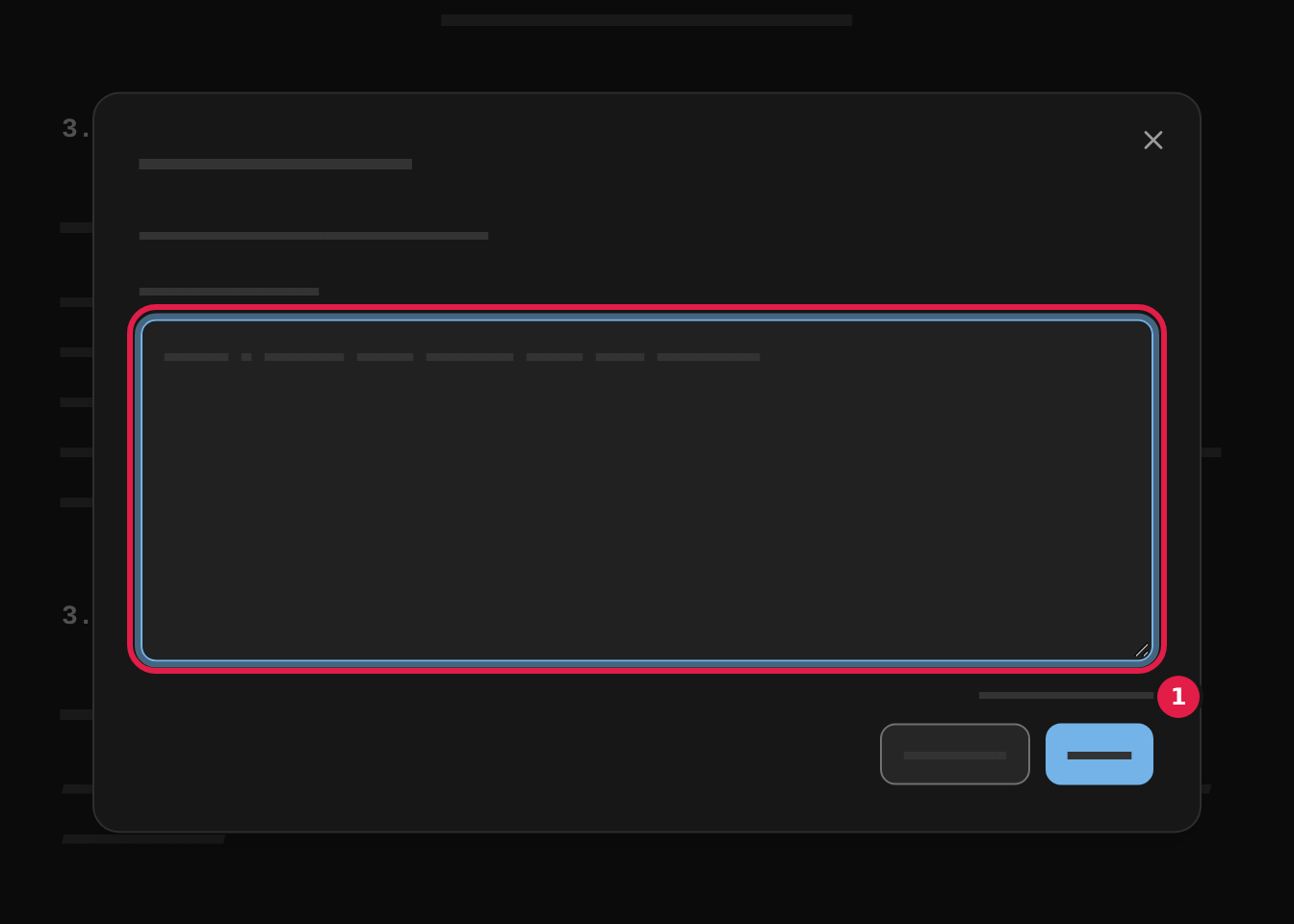
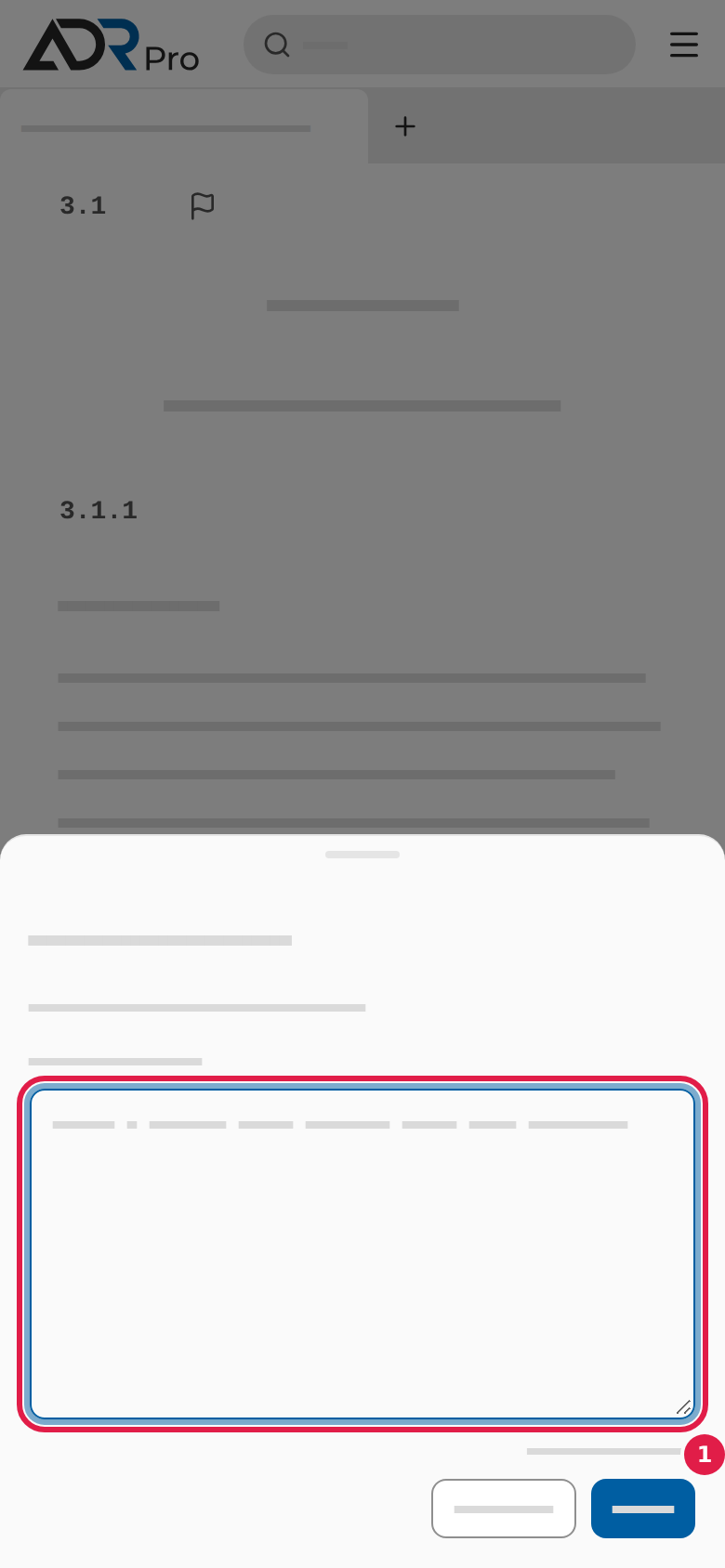
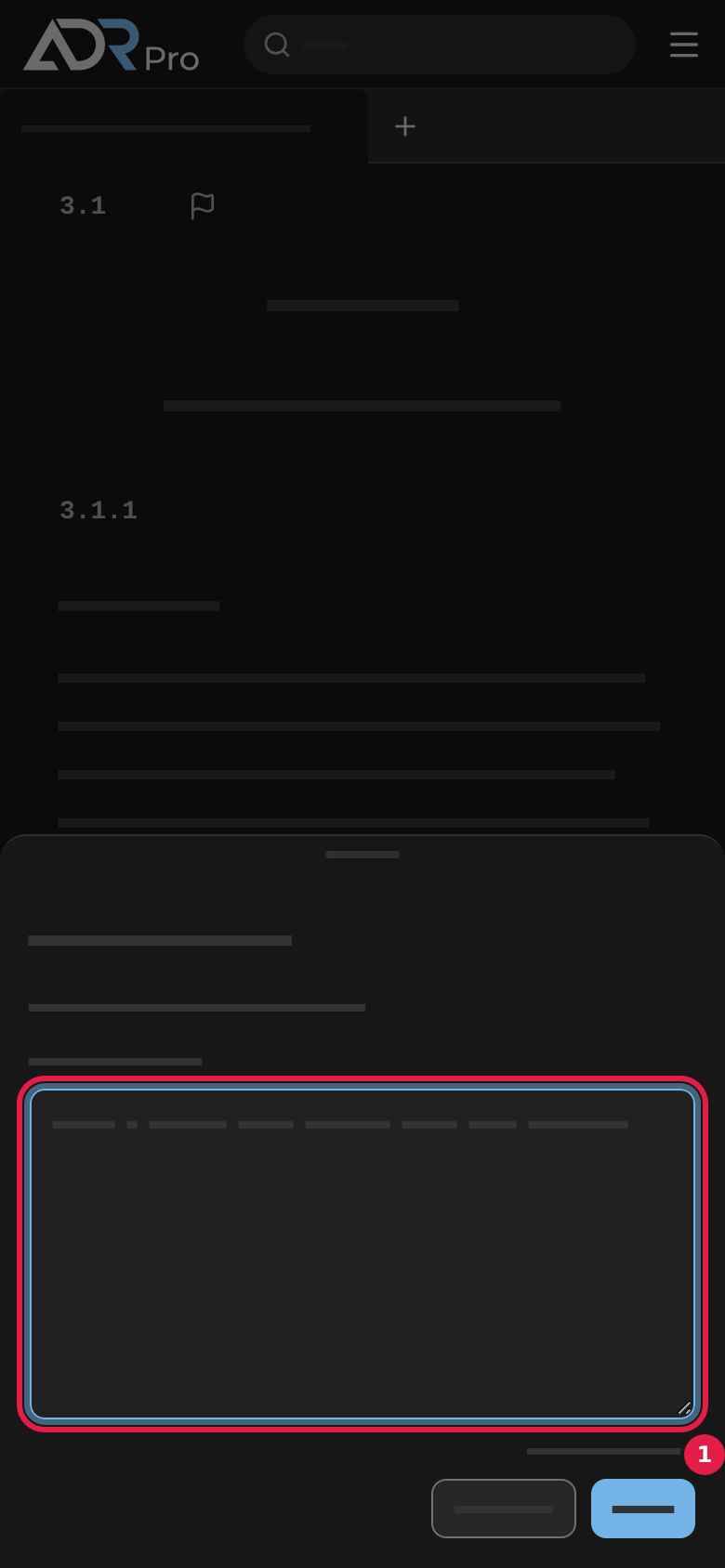
The editors can see which section or text the report is on, so you do not need to write the section’s number. On a phone the window opens as a sheet at the bottom of the screen.
Once the report is sent
Copy link to “Once the report is sent”Once the report is sent, the window closes, and a short message confirms it: Thank you. Your report has been sent.
You get no reply to the single report, and you cannot see a list of the reports you have sent. If the editors correct the error, the correction arrives with an update to the content.