Finding your way around
This is how you find a section in the sidebar and open it, how you find your way in the section you are reading, and where the other documents are. The sidebar lists parts 1 to 9 and the documents that belong to the ADR.
The sidebar and the parts
Copy link to “The sidebar and the parts”The ADR is divided into parts and sections, each with a number. In the sidebar on the left you can expand the parts and open exactly the section you need.
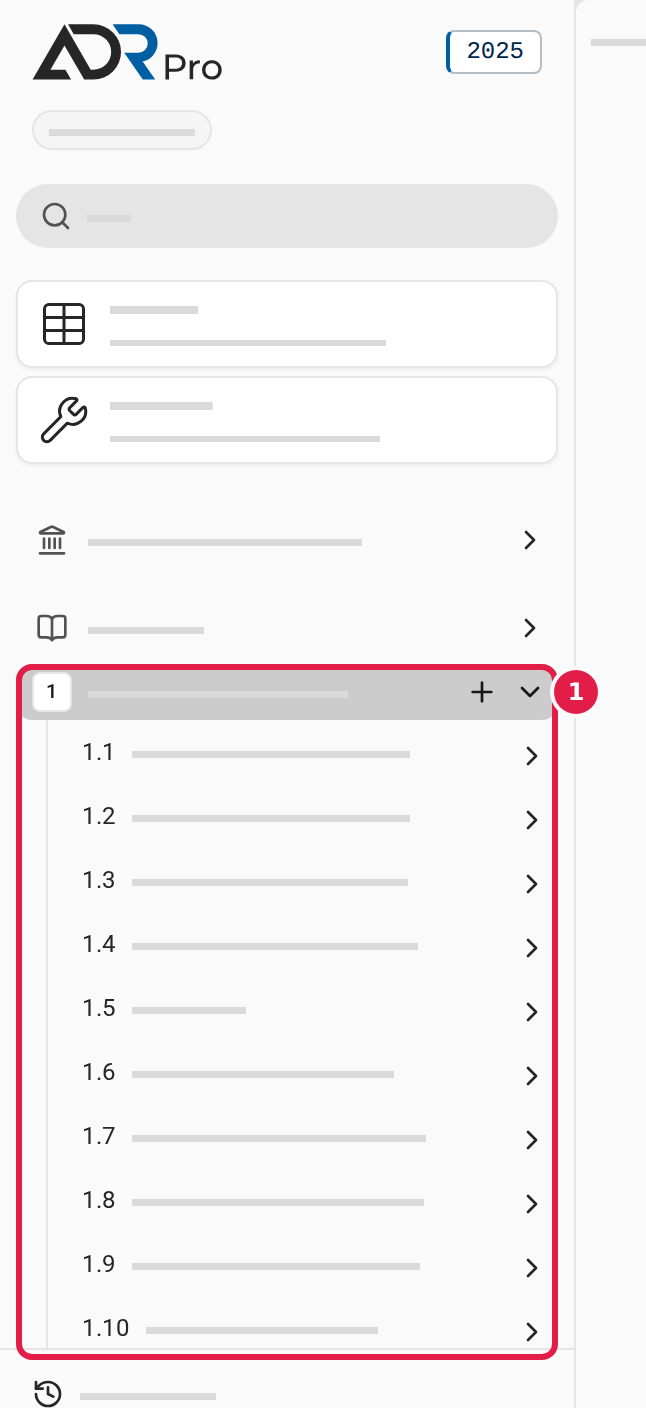
- Find the part in the sidebar. The parts are listed with their number, 1 to 9.
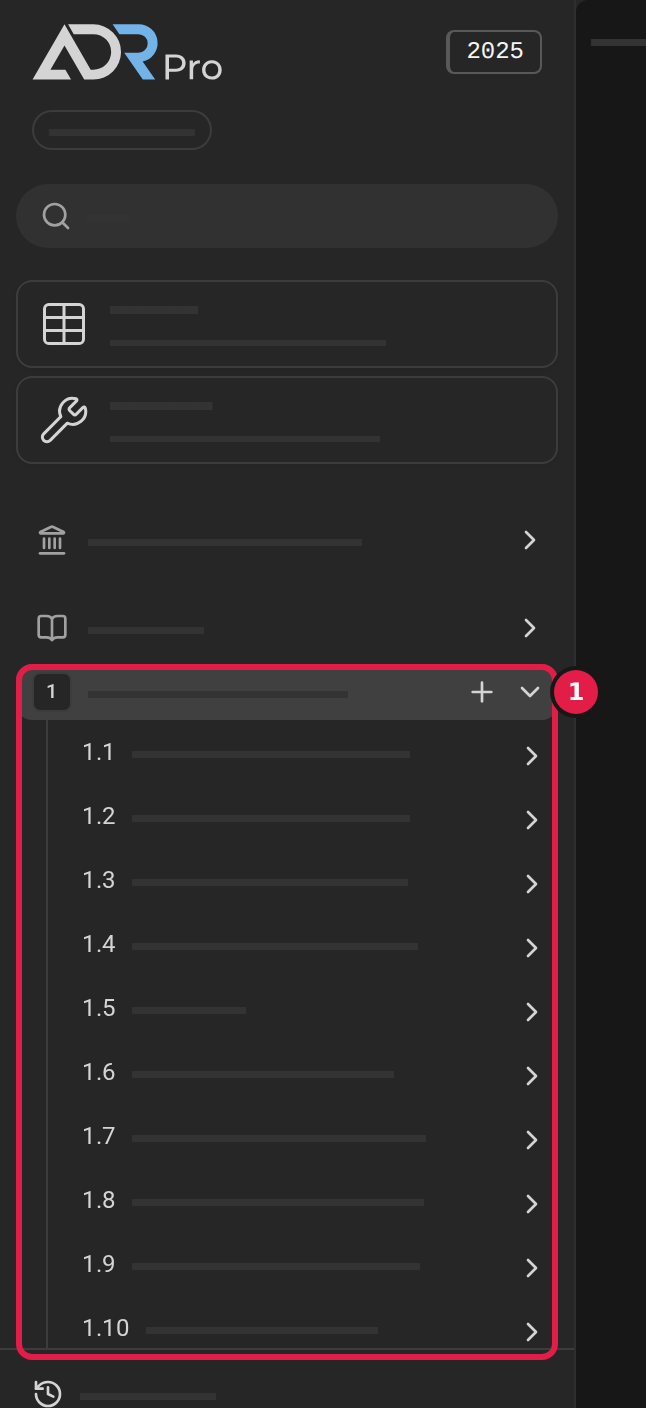
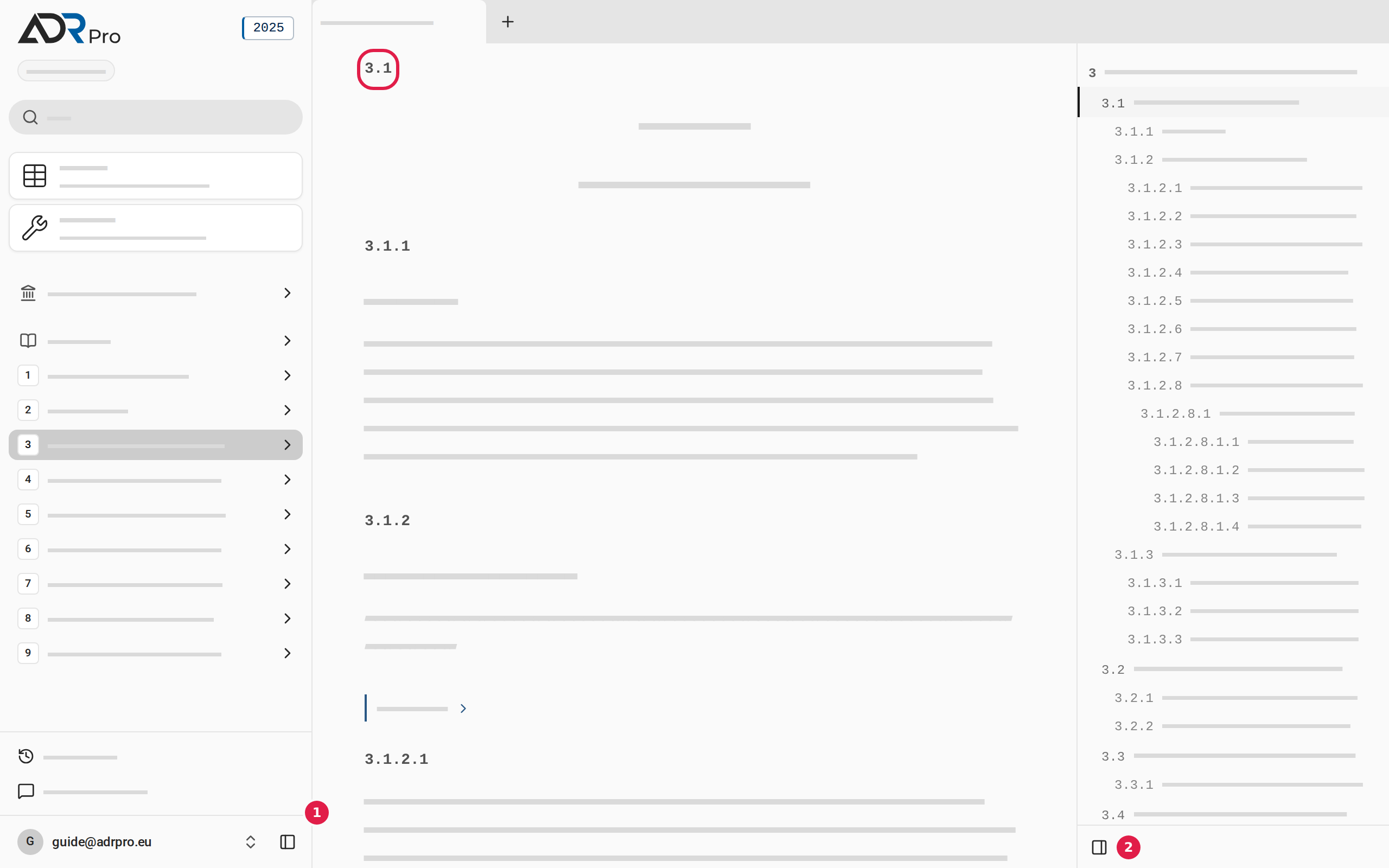
- Choose the arrow (1) on the right of the part. The part’s sections appear under it.
- Choose the arrow next to a section to see the sections under it. Choose it again to hide them.
Open a section
Copy link to “Open a section”- Choose the section in the sidebar. The tab you are reading goes to the section.
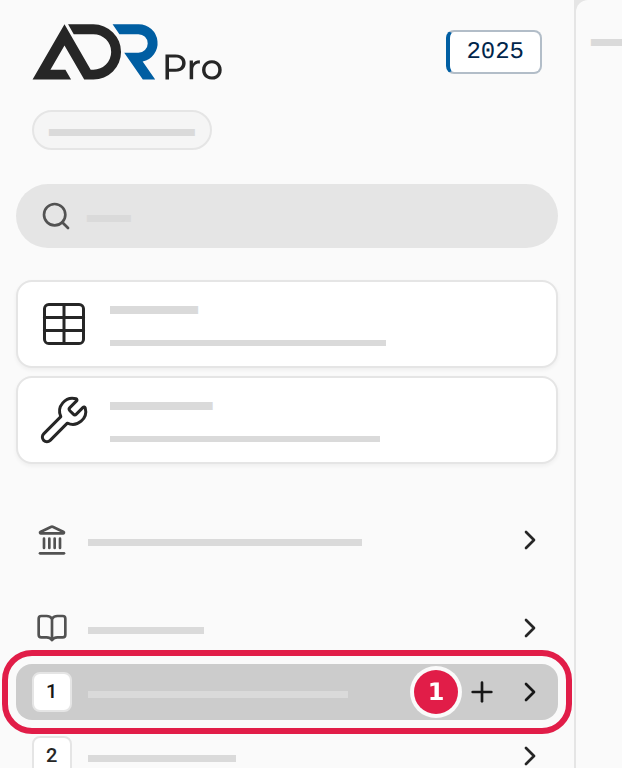
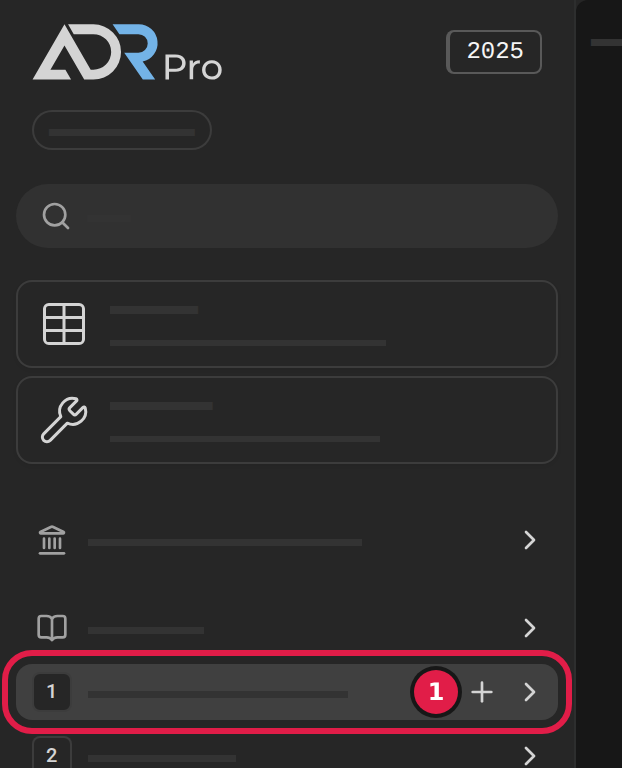
- To come back to what you are reading now without having to find it again, open the section in a new tab. Point at the section and choose the plus button (1).
You can also hold down Ctrl (⌘ on a Mac) while you choose the part or section in the sidebar.
- On a phone: Press and hold the section, and choose Open in new tab.
The section’s number and the outline
Copy link to “The section’s number and the outline”The section is in the middle. Each section’s number is above the section’s text.
The outline on the right lists the sections’ numbers and highlights the one you are reading. Choose a number in it to jump to that subsection.
Hide and show the panels
Copy link to “Hide and show the panels”You can hide the sidebar with the sidebar's button (1) at the bottom of the sidebar if you do not use it. You can hide the outline the same way with the outline's button (2) at the bottom of the outline if you do not use it. The same button shows the panel again.
Other documents
Copy link to “Other documents”Besides parts 1 to 9, an edition can have other documents that belong to the ADR in the country it is for, such as a foreword or a national regulation. Which documents they are, how many there are, what they are called and where they stand differ from country to country, and an edition can also have none.
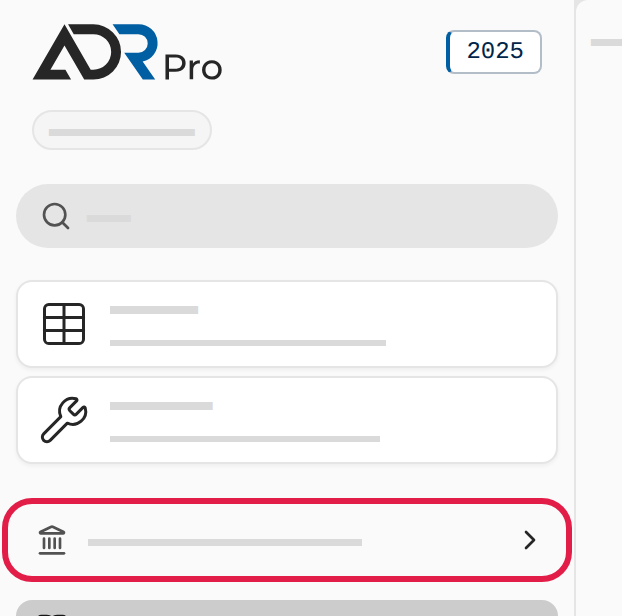
- Find the documents in the sidebar’s list with the parts. They have a small symbol where the parts have a number. A document that is an addition to the agreement, such as a national regulation, stands above the list of parts, set apart by a gap. A document that is part of the agreement itself, such as a foreword, stands among the parts, directly above part 1 or directly below part 9.
- Choose the document. It opens in the tab you are reading, the same way as a part.
- Choose the arrow next to the document to see its chapters, and choose one of them to go straight to it.
You can search, find, comment on and open the documents in new tabs like the rest of the agreement. On a phone they are at the top of the menu, which you open with the menu button.