Comments
This is how you write, edit and delete a comment. All your comments are gathered on the My comments page, where you can search and sort them.
Add a comment on a section
Copy link to “Add a comment on a section”A comment is your own note on a section or on some text in a section. Only you can see your comments, and they follow you on all your devices.
To tell the editors about an error in the content, send an error report instead.
- Point at the section’s heading. The comment button shows beside the section number.
- Choose the button. A box with a text field opens.
- Type your comment and choose Save. Cancel closes the box without saving.
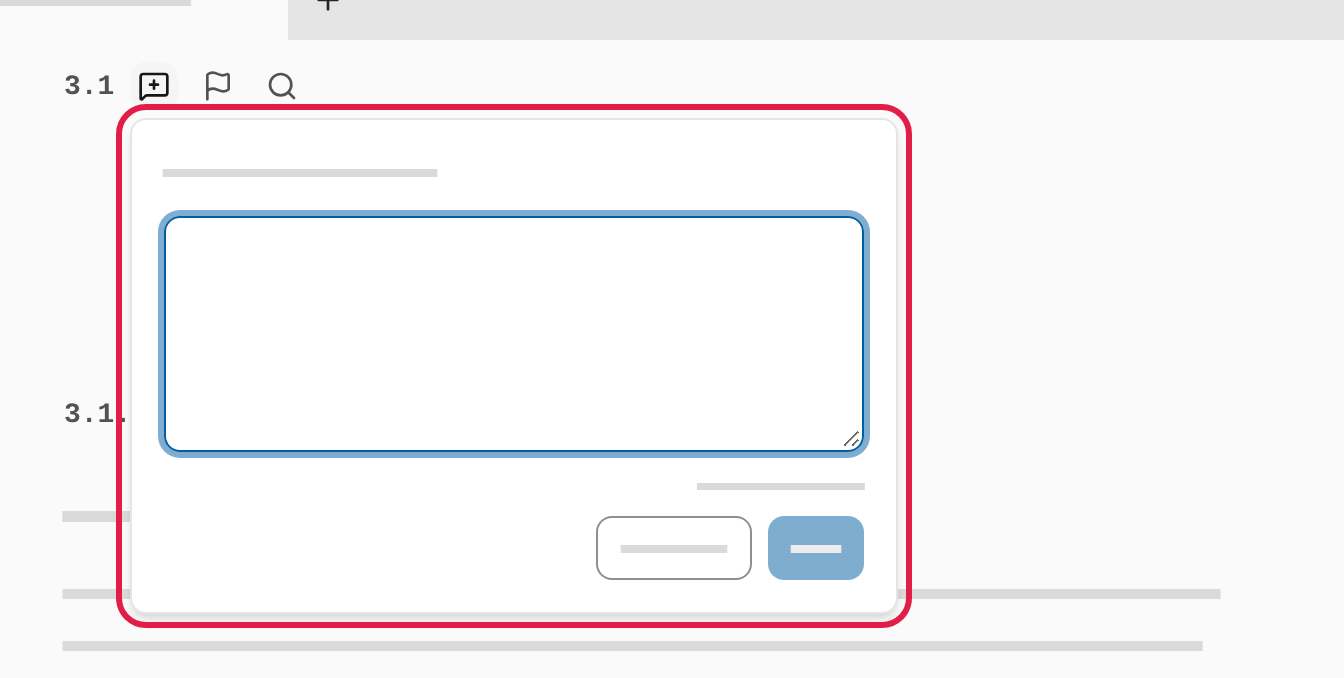
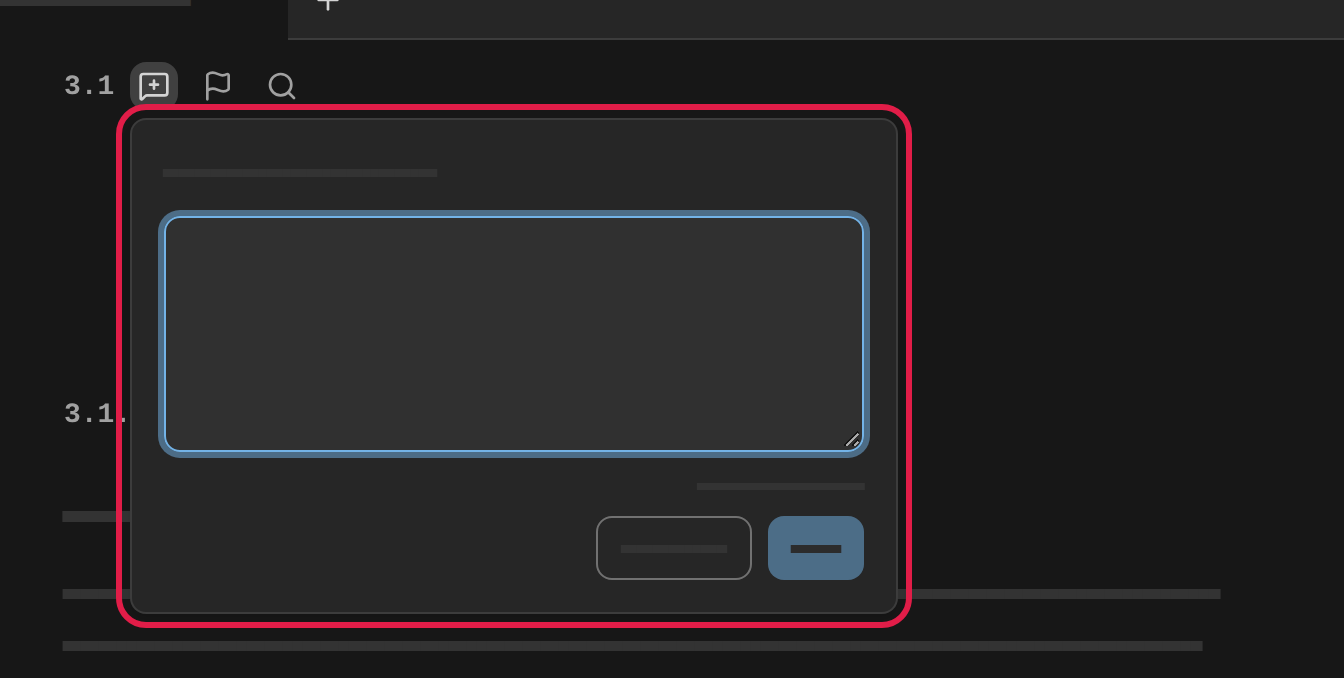
Once the comment is saved, the button by the section number is filled in, so you can see that the section has a comment.
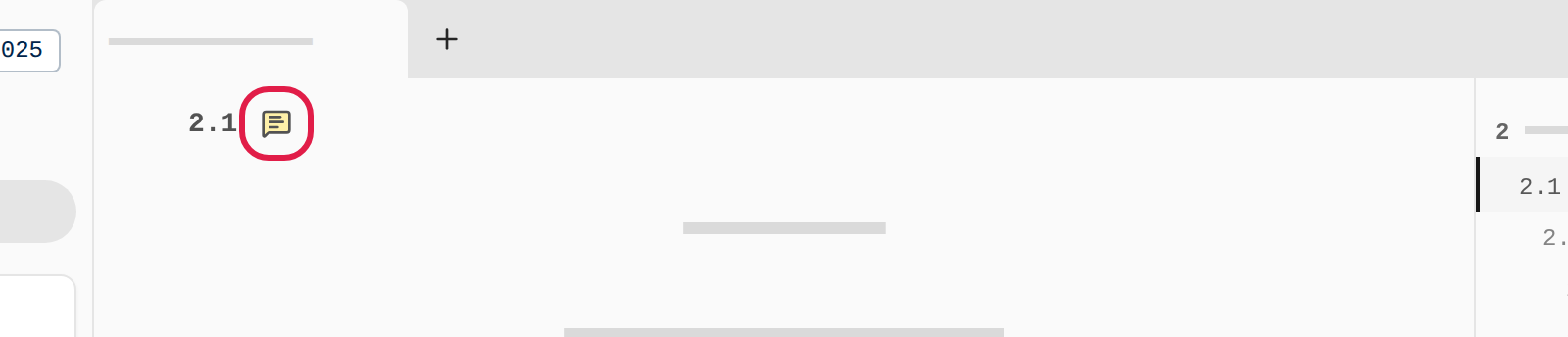
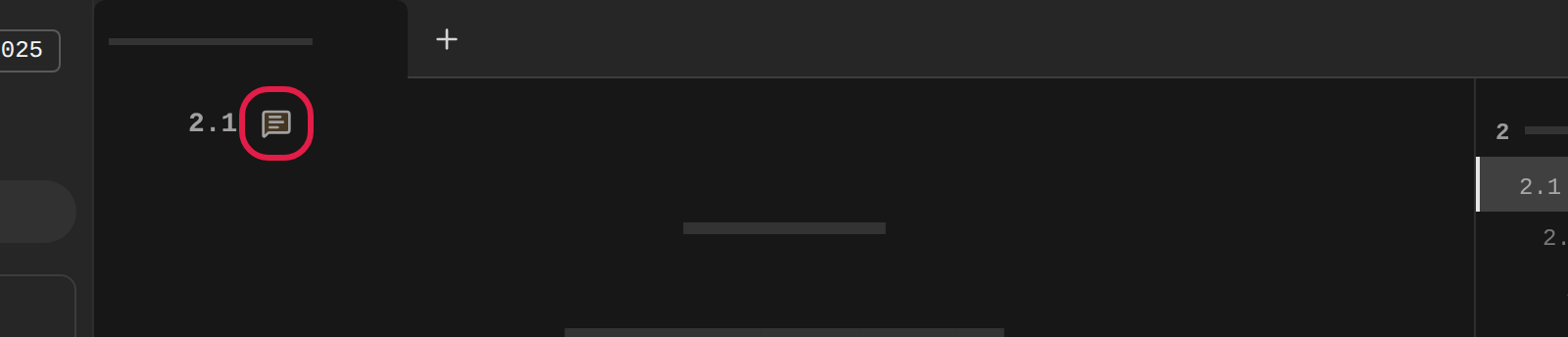
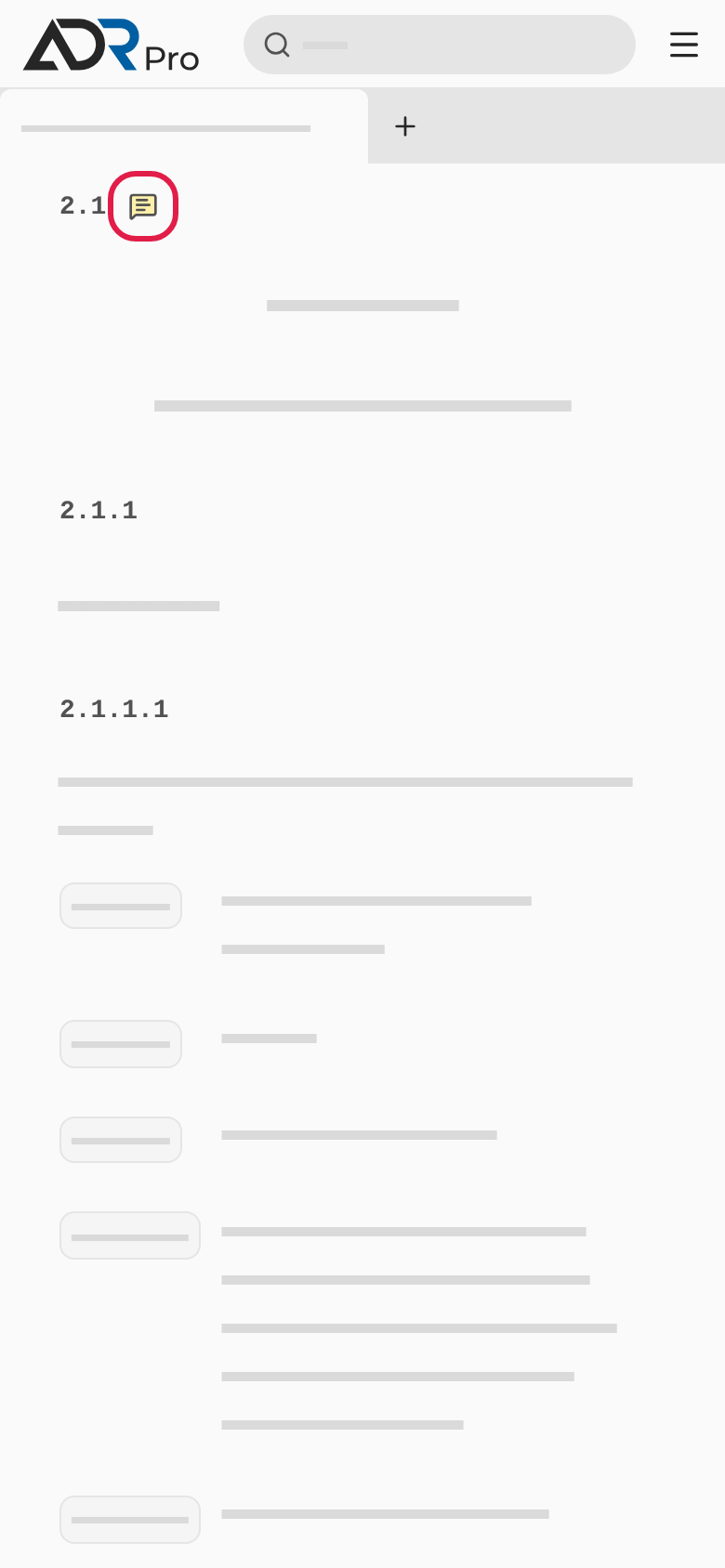
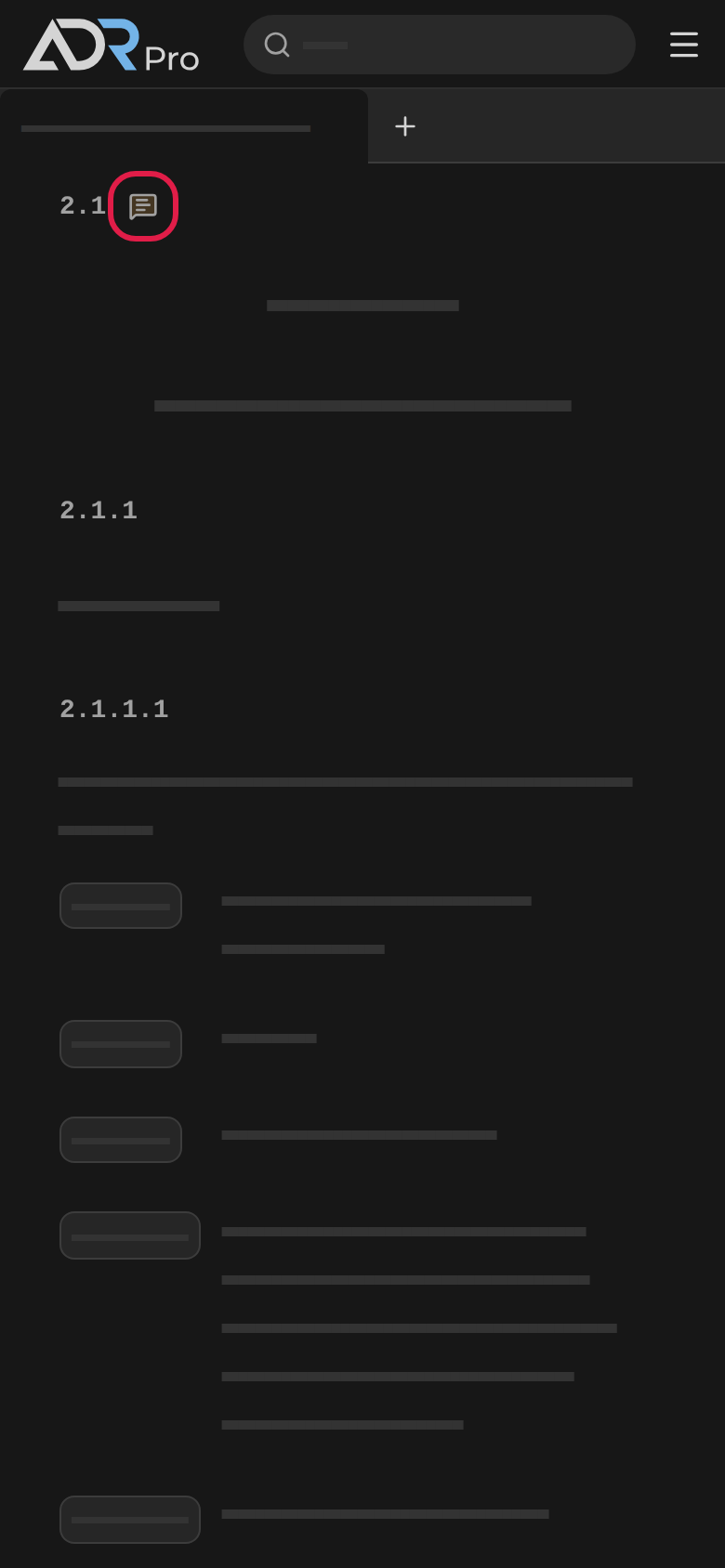
If you close the box before saving, what you typed is kept as a draft on the device. The button then shows that a draft is waiting.
Comment on some text
Copy link to “Comment on some text”- Select some words in a paragraph with the mouse.
- Choose Comment selected text by the selection, or Comment on the whole paragraph to comment on the whole paragraph. In a table you can also choose Comment on the whole row or Comment on the whole table.
- Type your comment and choose Save. The words are highlighted in the text.
- Choose the highlighted words, or Show comment under the paragraph, to read the comment again.
On a phone you comment on the whole section from its heading. Comments on text that you wrote on a computer open with Show comment under the paragraph.
Edit or delete a comment
Copy link to “Edit or delete a comment”- Choose the comment button by the section number. The box shows your comment.
- Choose Edit (1), change the text and choose Save.
- Choose Delete (2) to delete the comment. A window asks Delete this comment? Choose Delete in it. A deleted comment cannot be brought back.
- Choose Add comment on the whole section (3) to write another comment on the section.
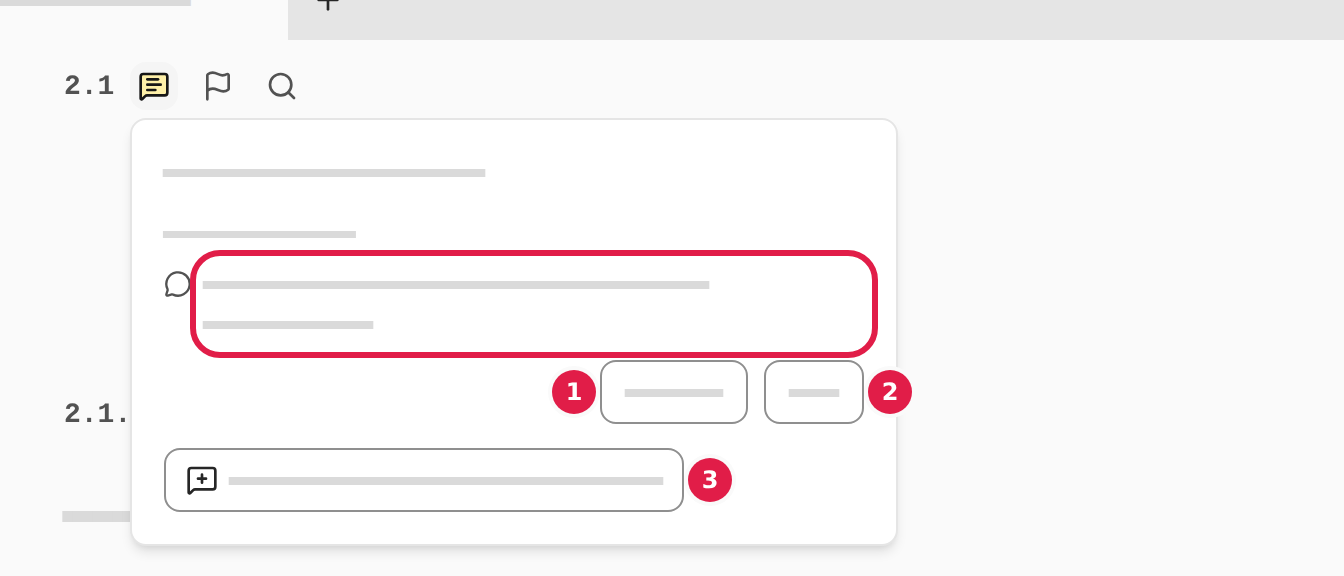
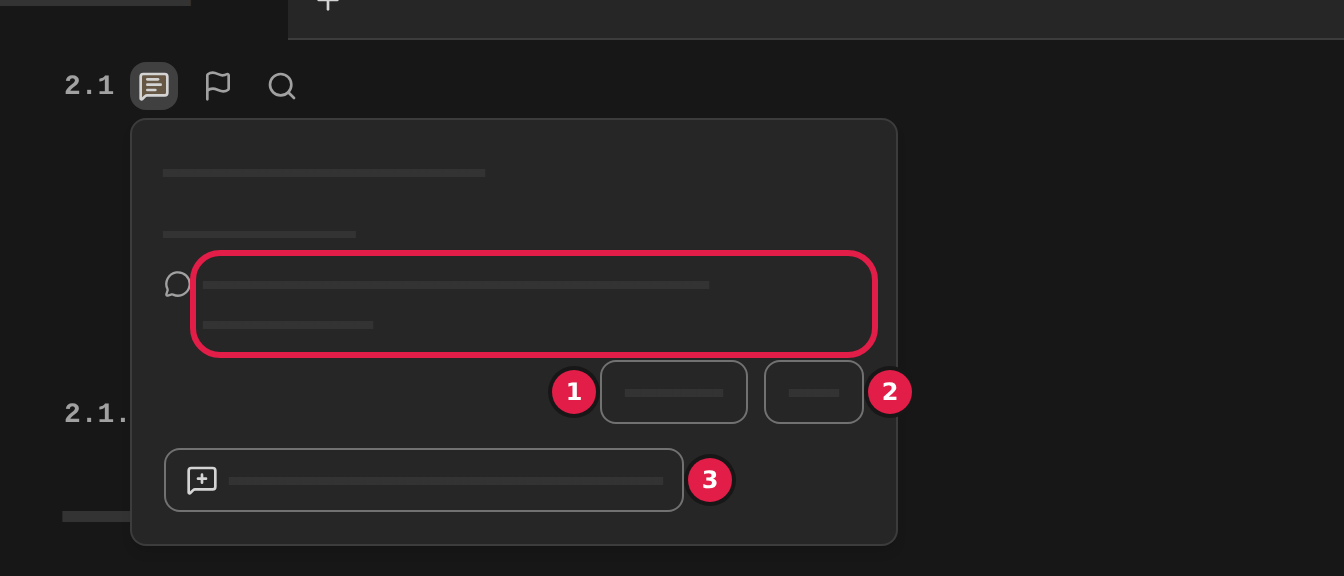
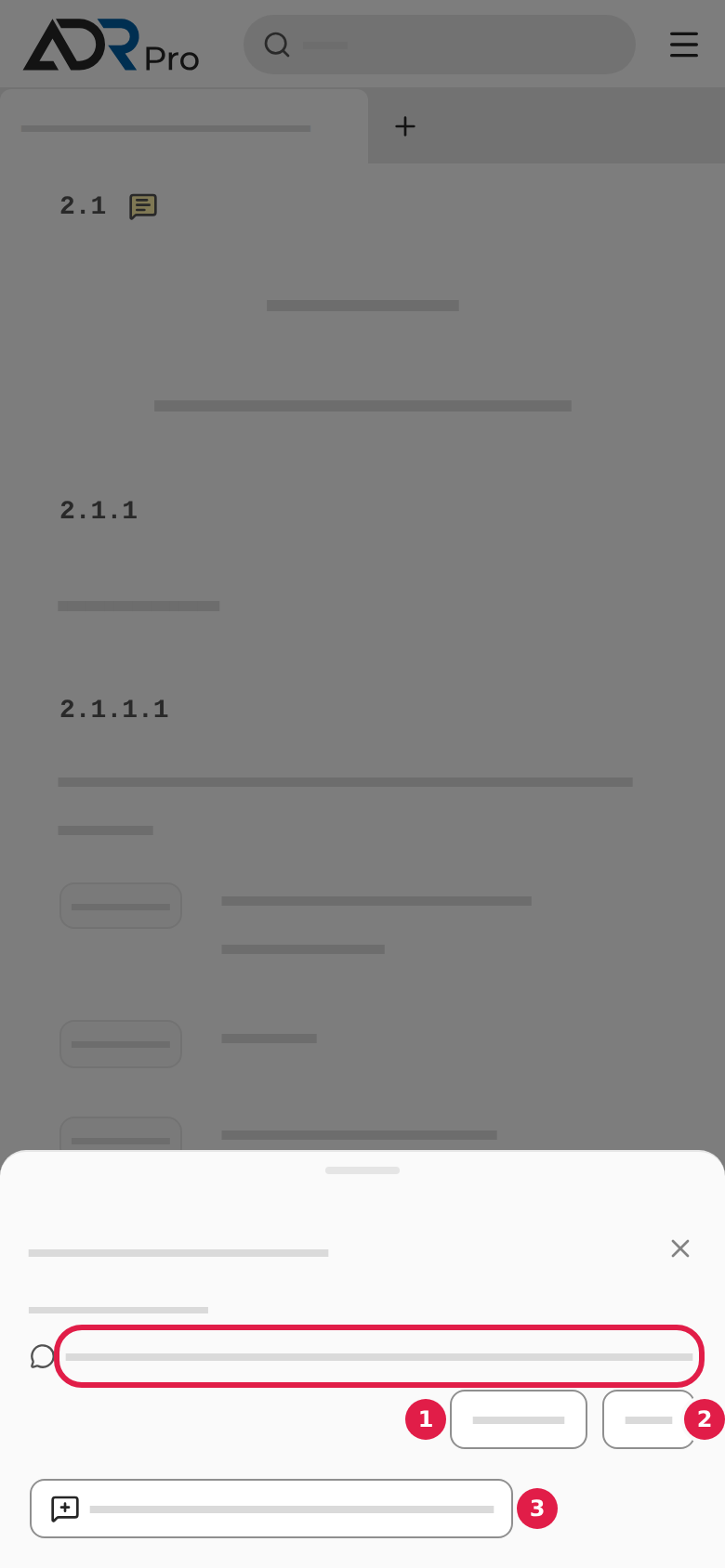
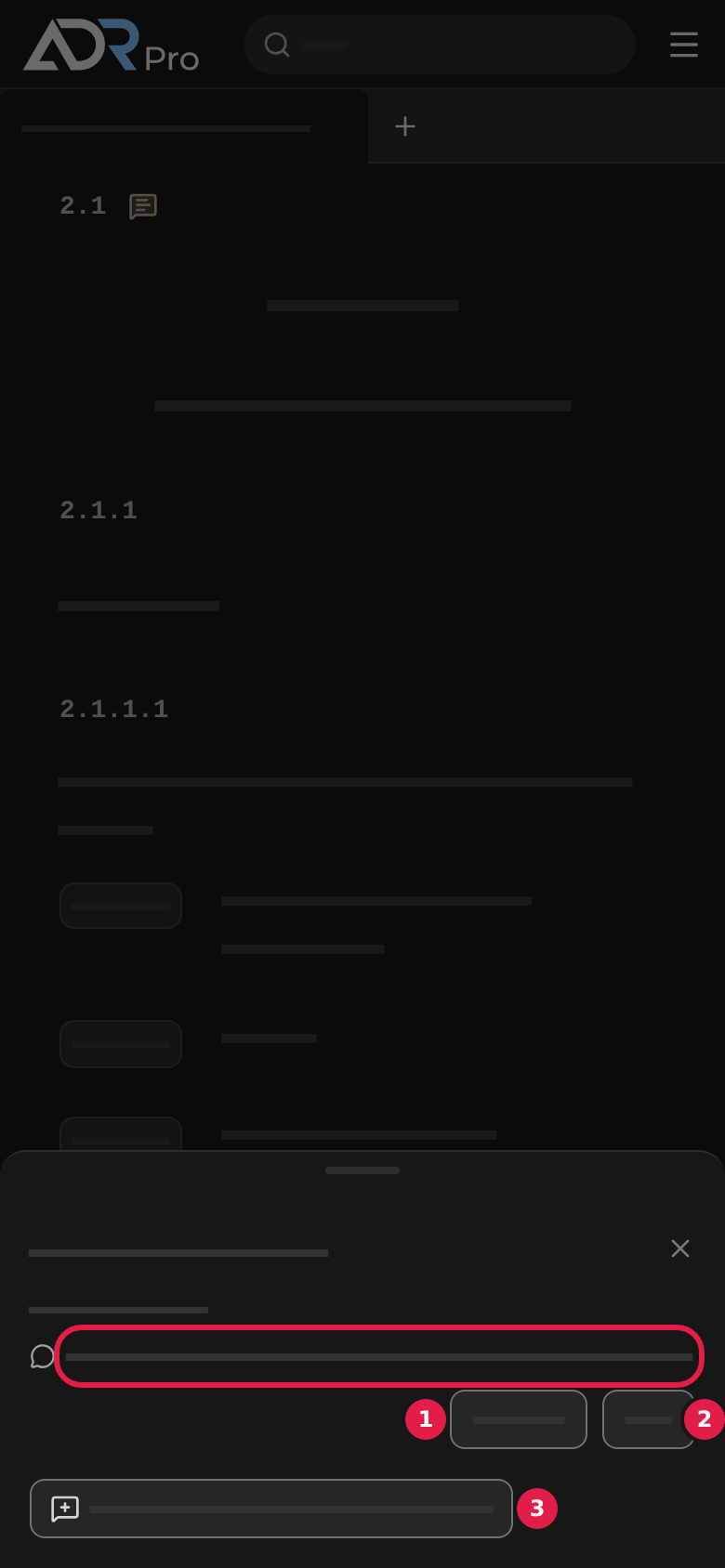
On a phone the box opens as a sheet at the bottom of the screen. Choose the cross at the top of the sheet to close it.
All your comments are gathered under My comments.
My comments
Copy link to “My comments”My comments gathers every comment you have written on one page. From there you can search them, go to the place they belong to, and edit or delete them.
- Choose My comments in the sidebar under the sections. On a phone, choose the menu button first.
- The page opens in its own tab, or in the tab that already shows it.
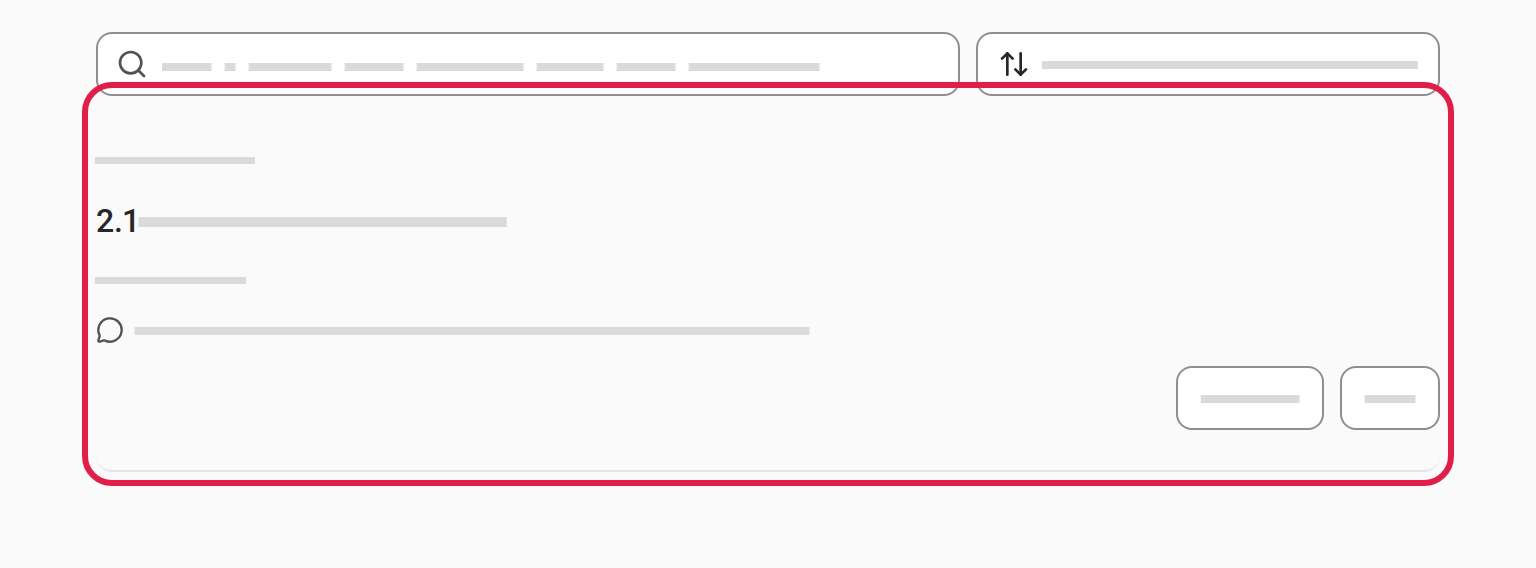
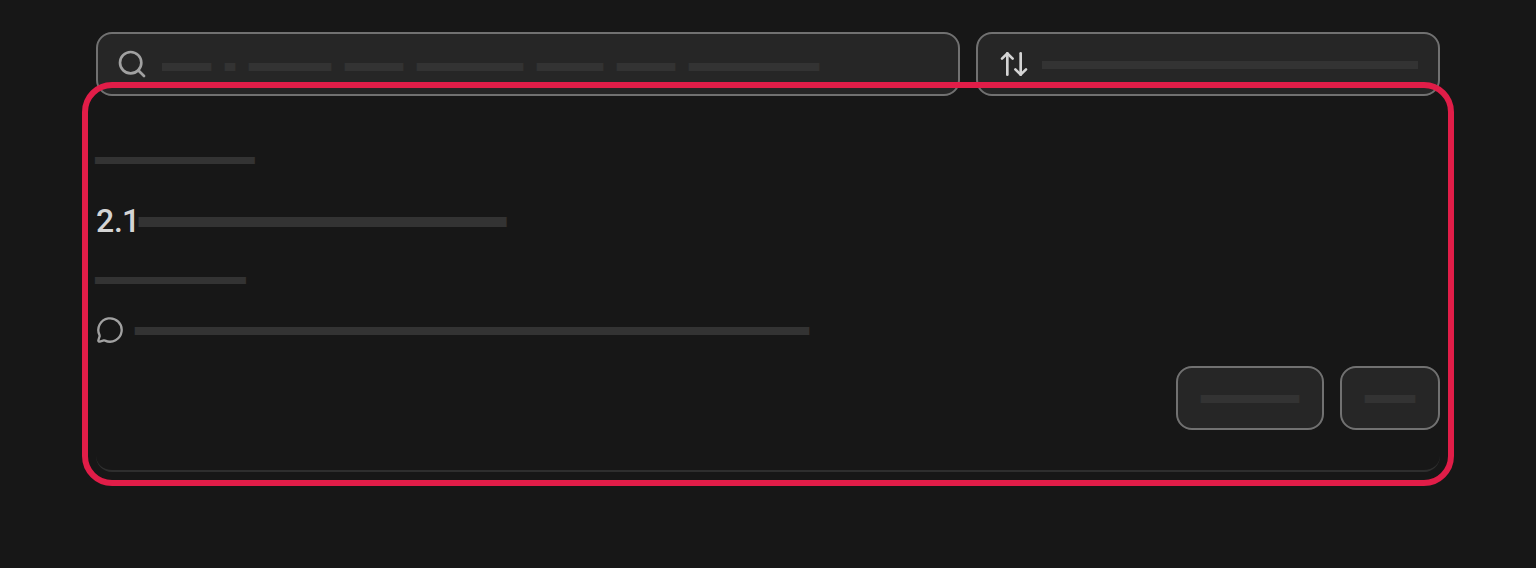
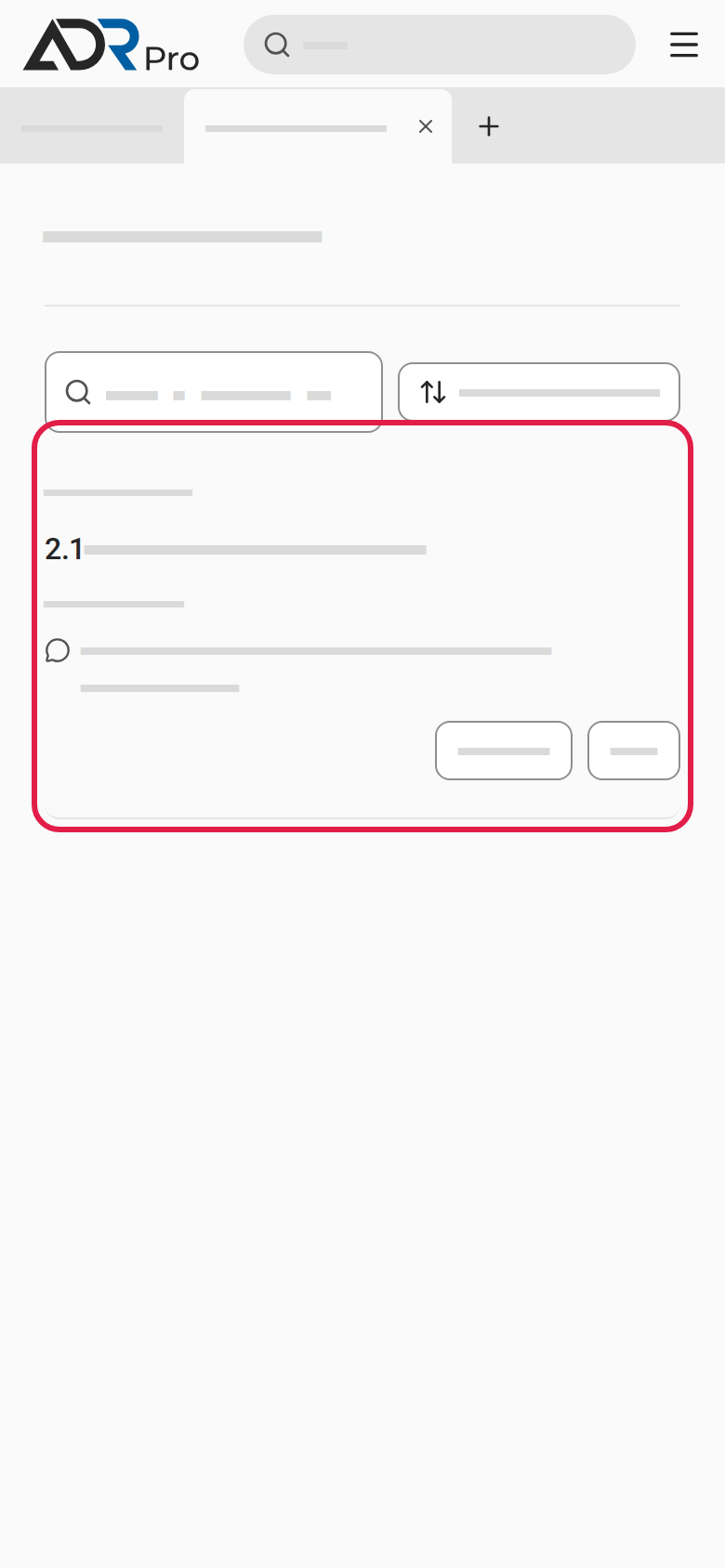
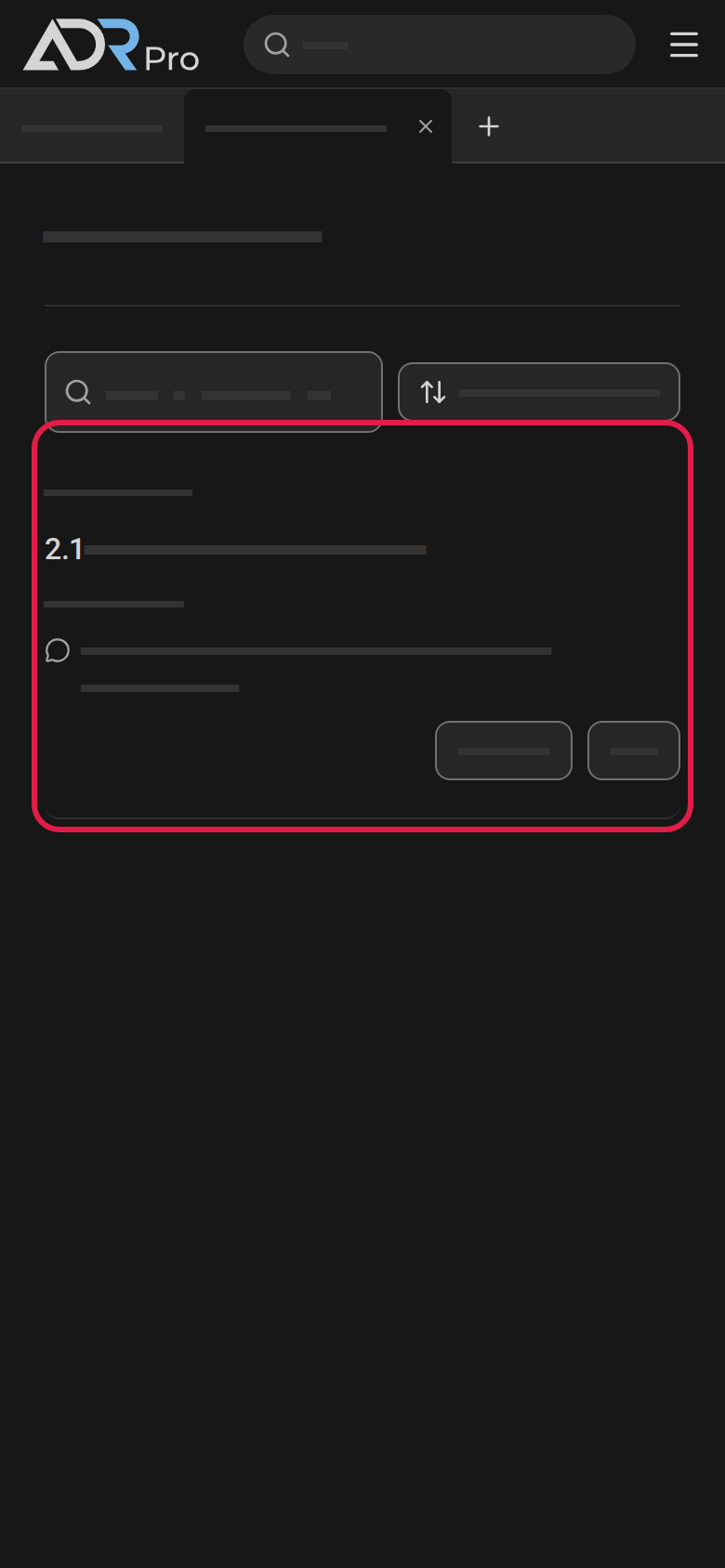
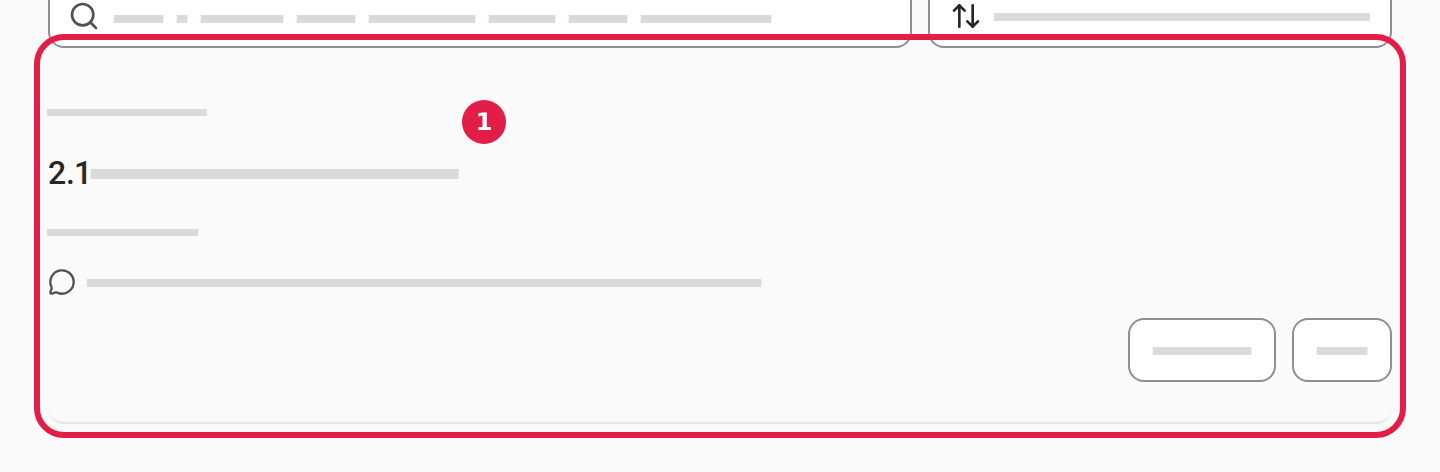
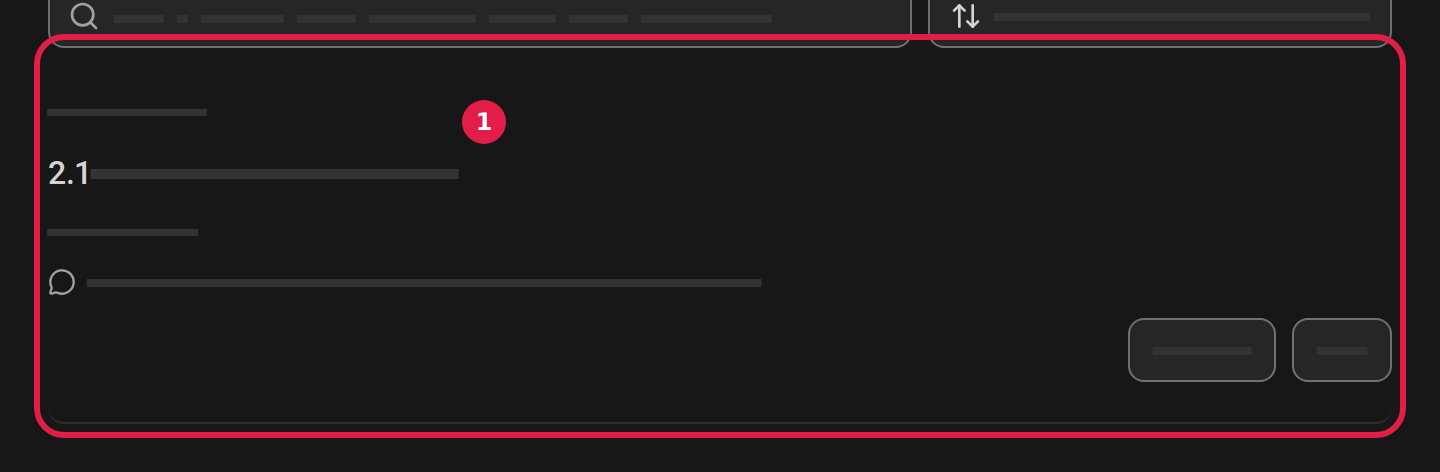
Each comment shows the date, the section’s number and title, what the comment belongs to, and your text.
Edit or delete a comment
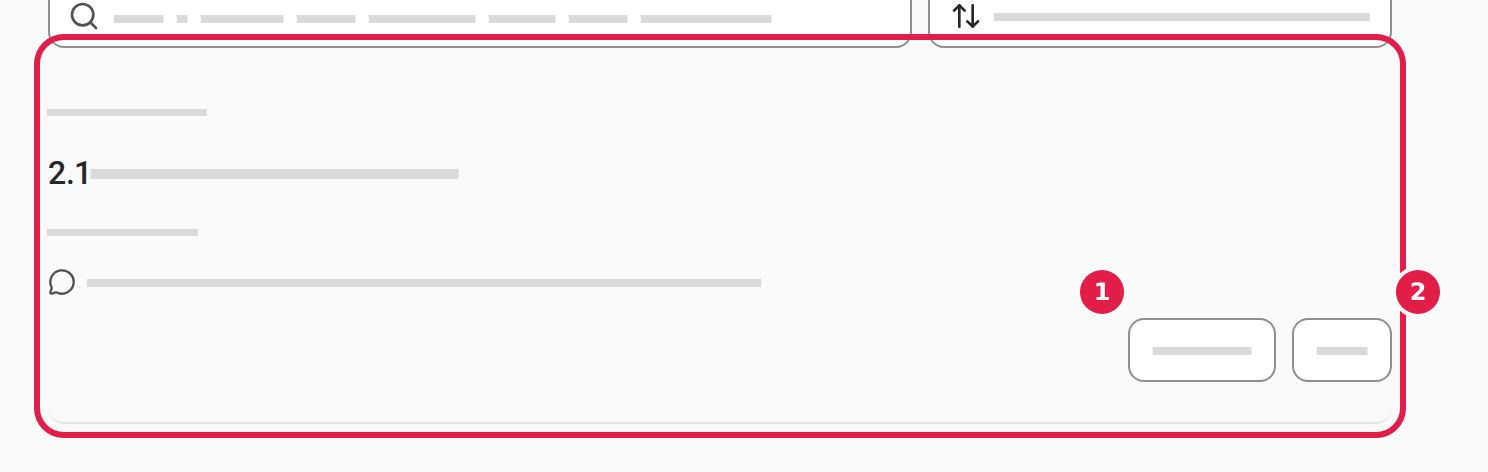
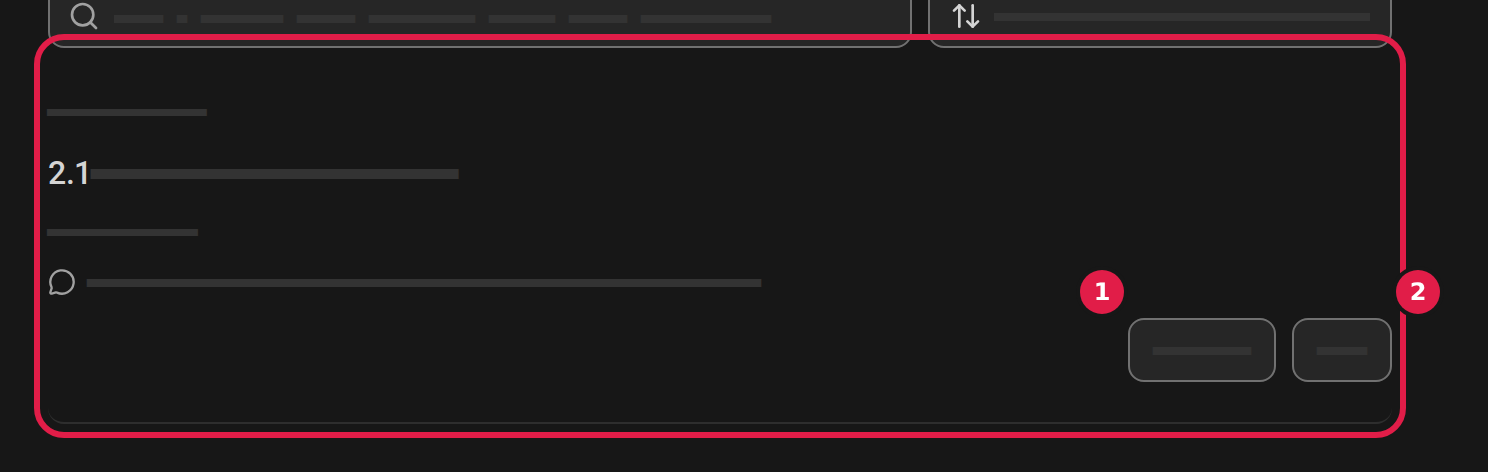
Copy link to “Edit or delete a comment”- Choose Edit (1), change the text right in the list and choose Save.
- Choose Delete (2). A window asks whether you want to delete the comment. Choose Delete in it.
Go to a comment
Copy link to “Go to a comment”- Choose the section’s number and title (1) above the comment.
- The section opens in a tab that already shows it, or in a new tab.
Search and sort
Copy link to “Search and sort”- Type in the Search section, title, highlighted text or comment field (1) to see only the comments that match.
- Choose the sorting (2) to pick the order: By section, first to last, By section, last to first, Newest first or Oldest first.


If the text you commented on has changed or gone since, the comment says so. Choose Needs a look · … to see only those comments.
How to write a comment: Add a comment on a section.