Skip to content
Go to website

Sign in and sign out

Before you can use ADR Pro, you have to sign in. If you have no account yet, you can create an account.

  1. Open ADR Pro in your browser.

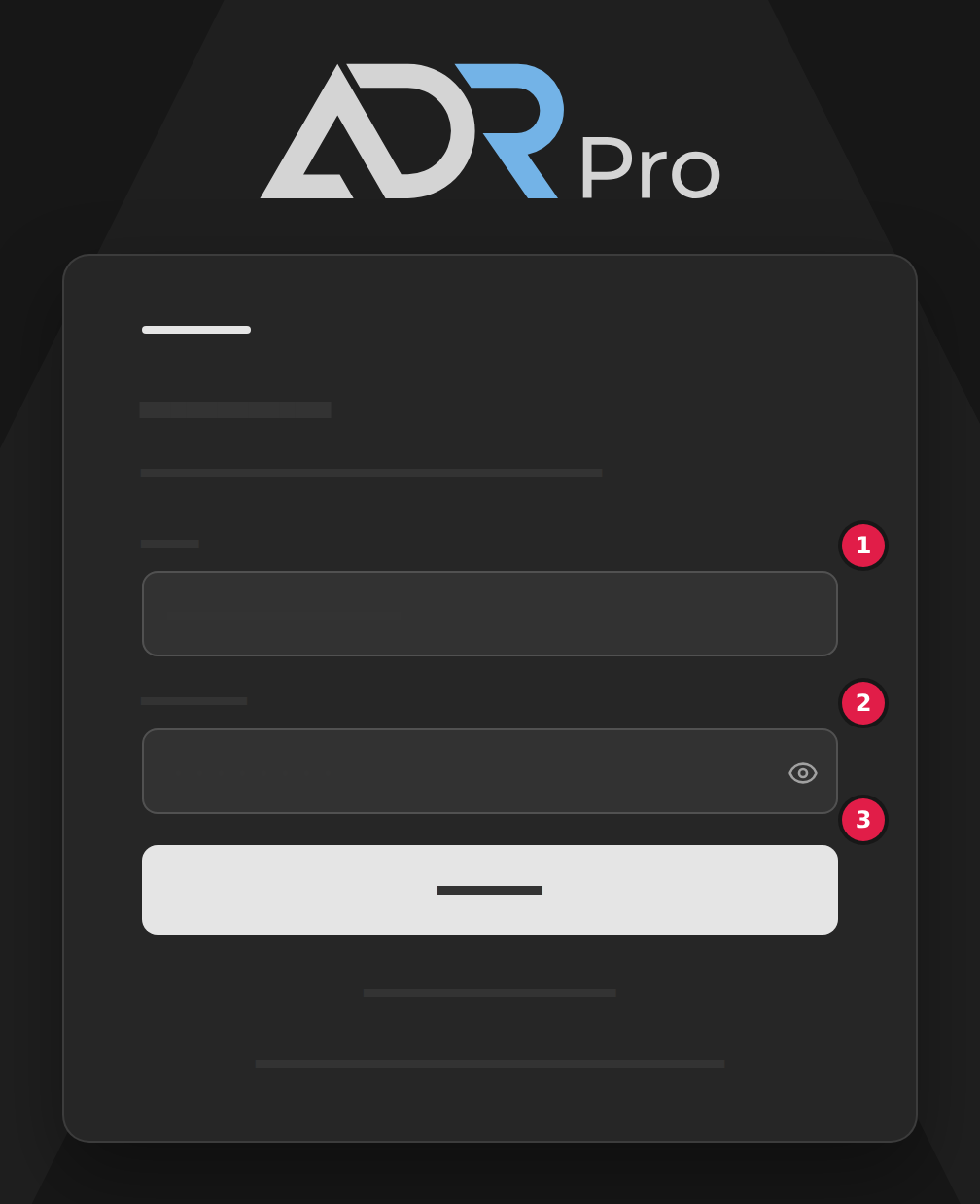
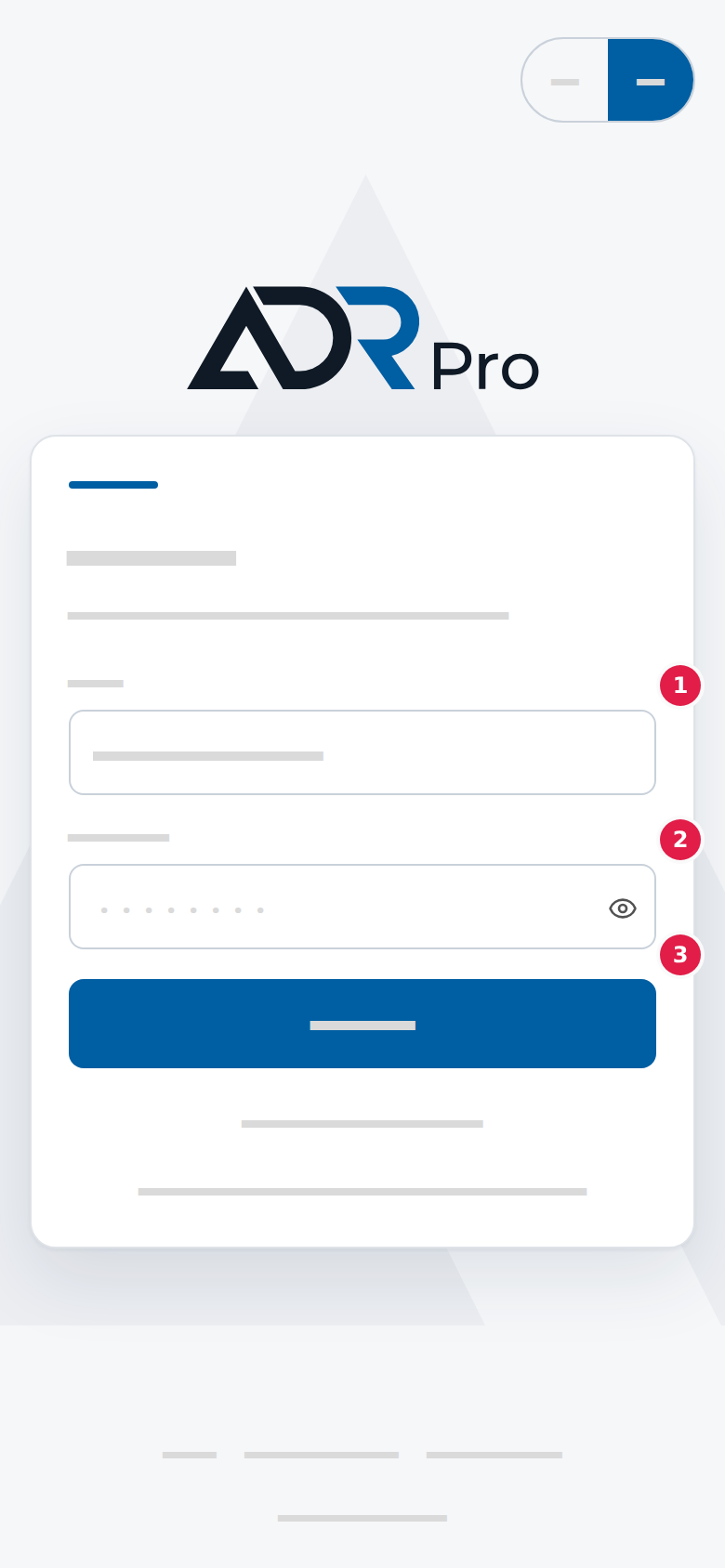
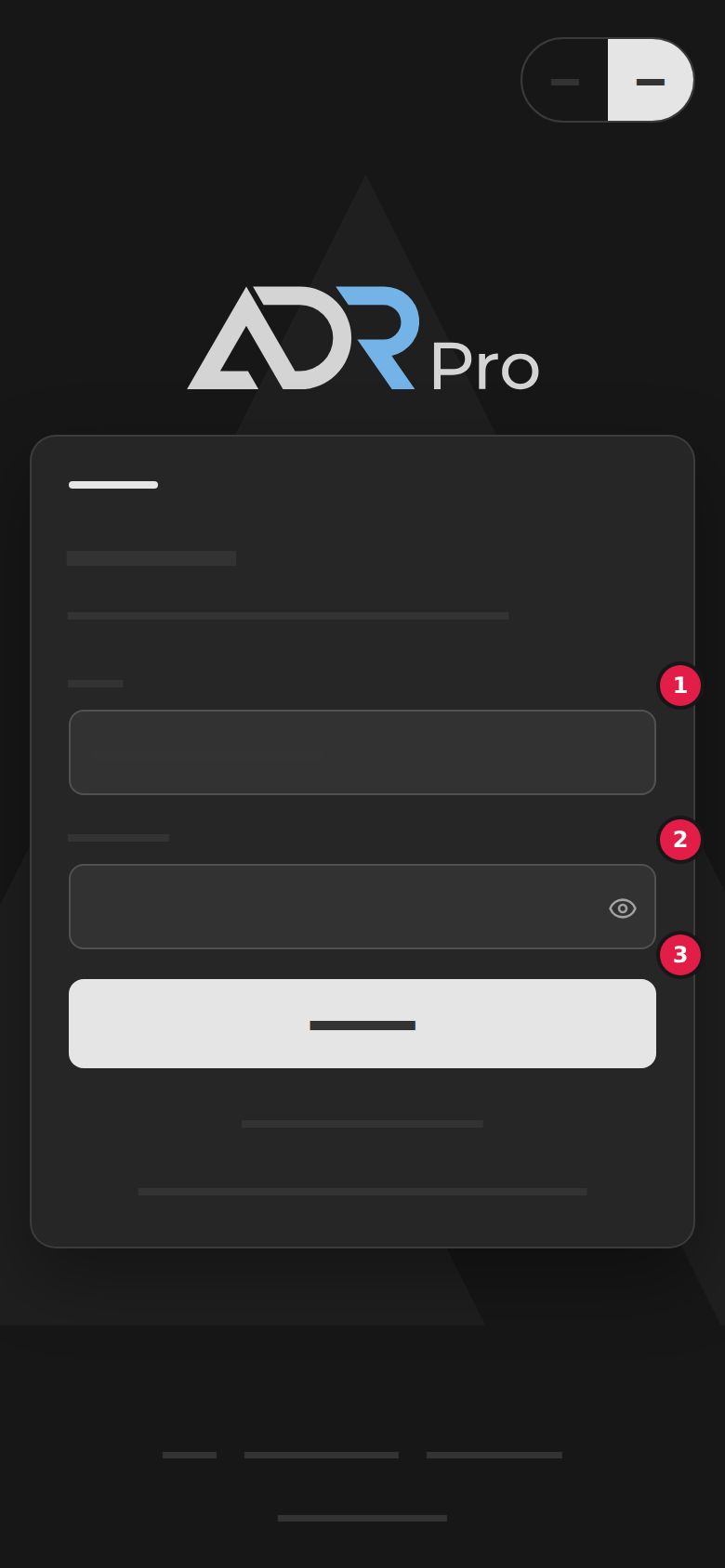
  2. Type your email address in the Email field (1).

  3. Type your password in the Password field (2).

    To see what you typed, choose the eye in the field.

  4. Choose Sign in (3).

    By default you stay signed in until you sign out.

    To sign out elsewhere, see Sign out of your other devices in Your account.
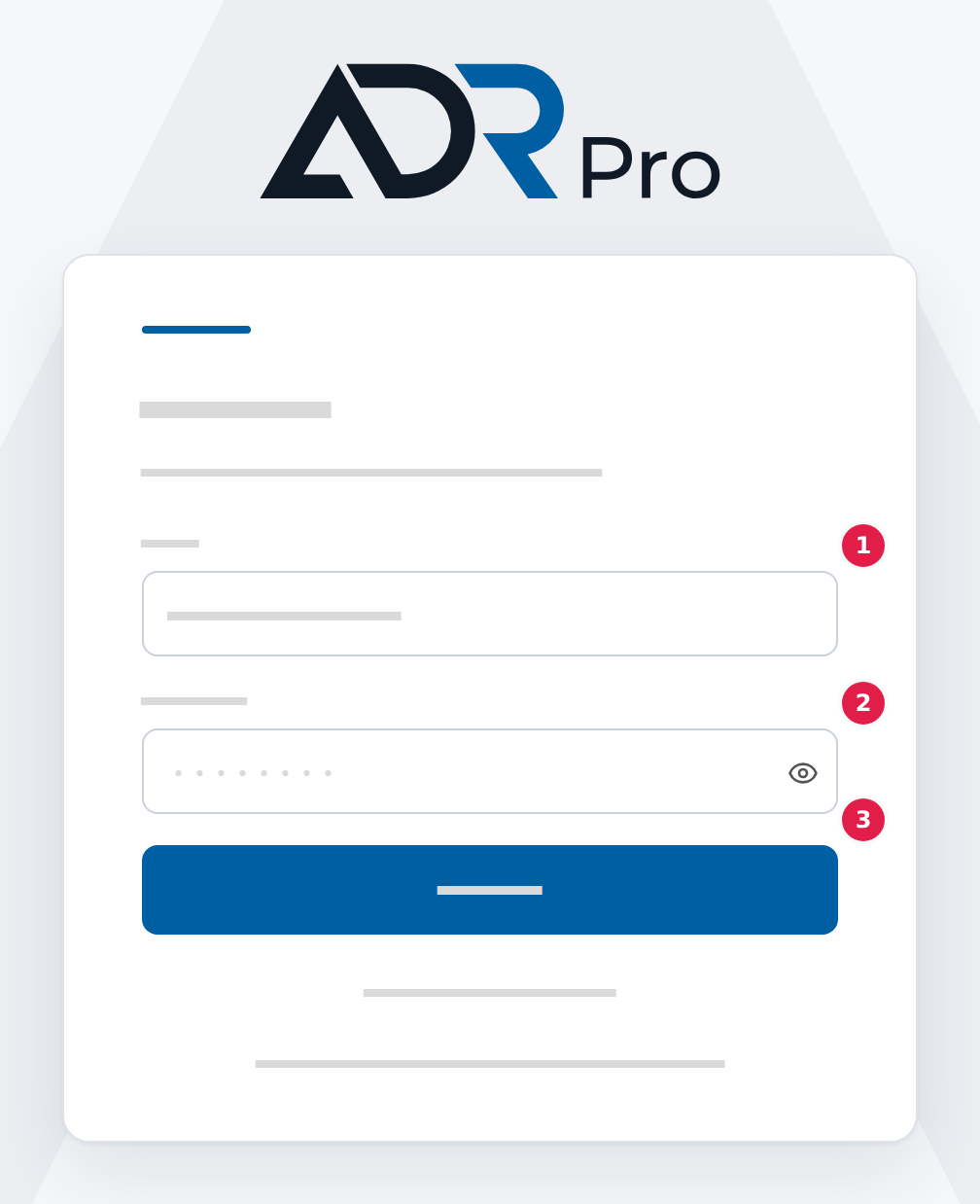
The fields on the sign-in page. Marker 1 is at the Email field, marker 2 at the Password field and marker 3 at the Sign in button.The fields on the sign-in page. Marker 1 is at the Email field, marker 2 at the Password field and marker 3 at the Sign in button.The fields on the sign-in page. Marker 1 is at the Email field, marker 2 at the Password field and marker 3 at the Sign in button.The fields on the sign-in page. Marker 1 is at the Email field, marker 2 at the Password field and marker 3 at the Sign in button.

If you cannot remember your password, choose Forgot your password? and follow the link in the email you receive.

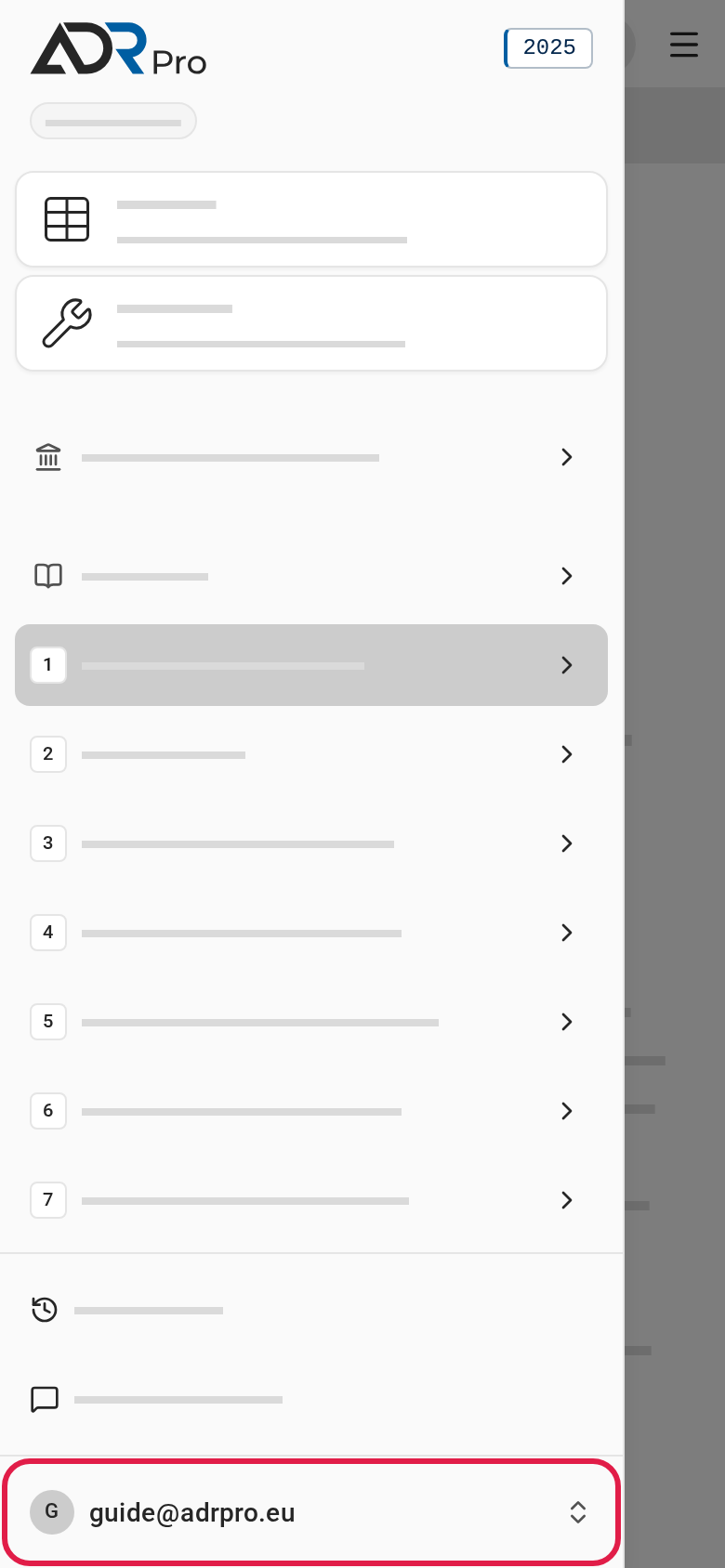
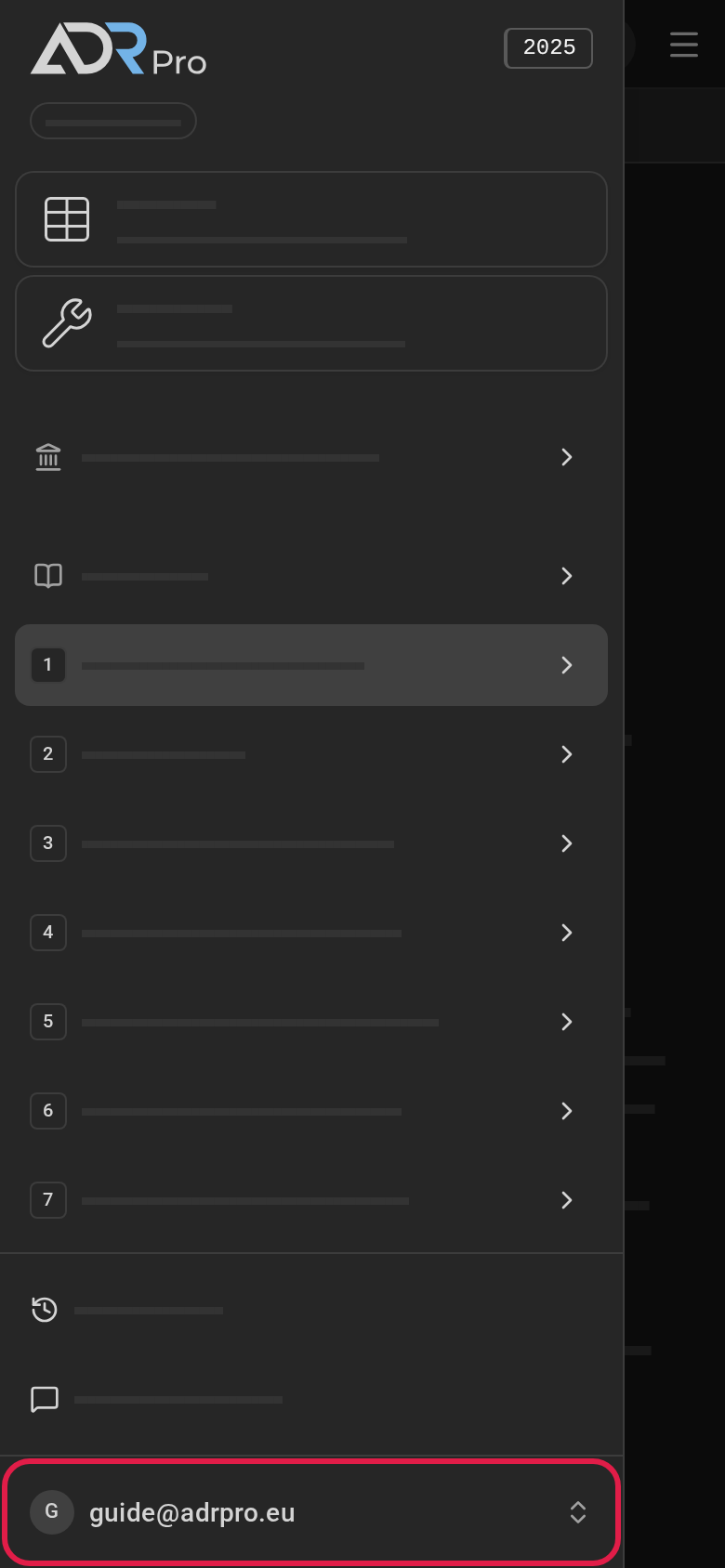
  1. Choose your name or email address at the bottom of the sidebar to open the account menu. On a phone, choose the menu button at the top right first. Your name or email address is at the bottom of the menu.
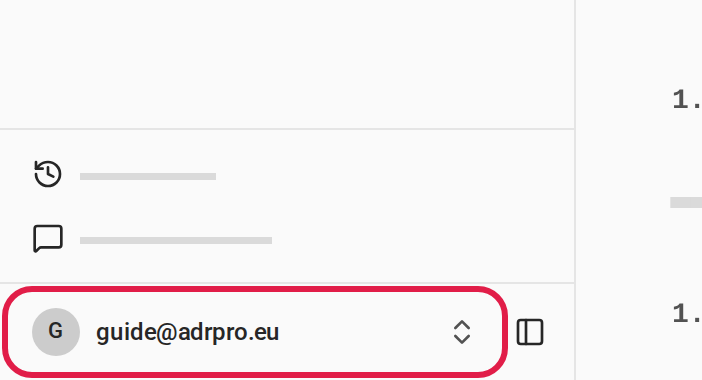
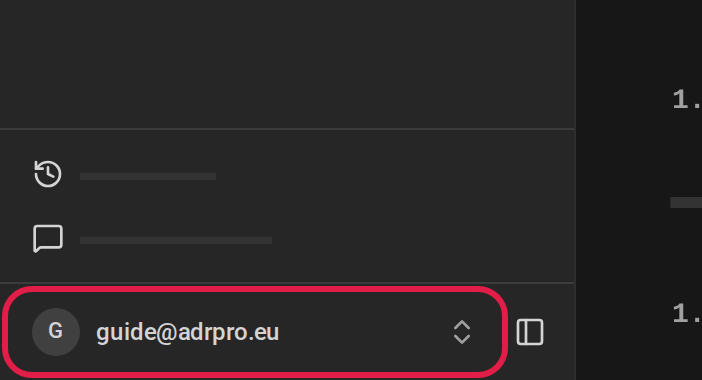
    The bottom of the sidebar, on a phone the bottom of the menu. The ring is around your name or email address, which opens the account menu.The bottom of the sidebar, on a phone the bottom of the menu. The ring is around your name or email address, which opens the account menu.The bottom of the sidebar, on a phone the bottom of the menu. The ring is around your name or email address, which opens the account menu.The bottom of the sidebar, on a phone the bottom of the menu. The ring is around your name or email address, which opens the account menu.
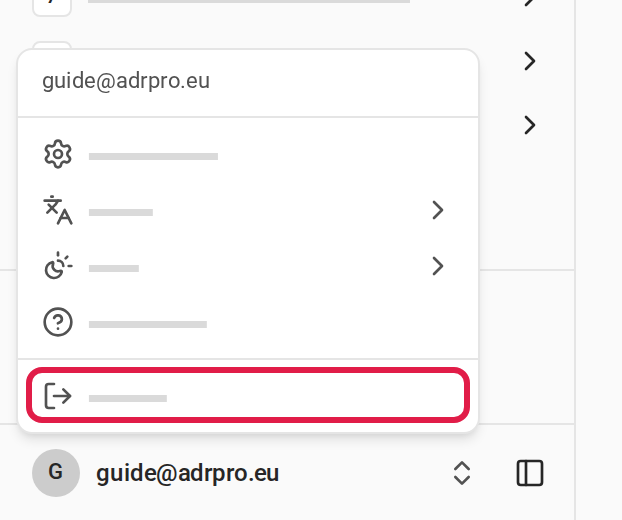
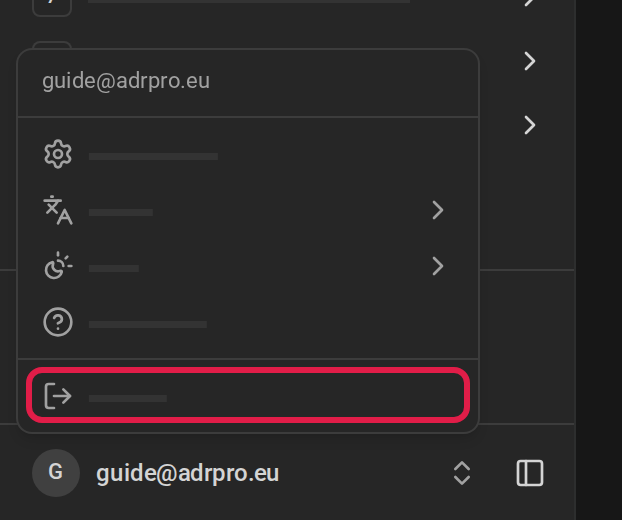
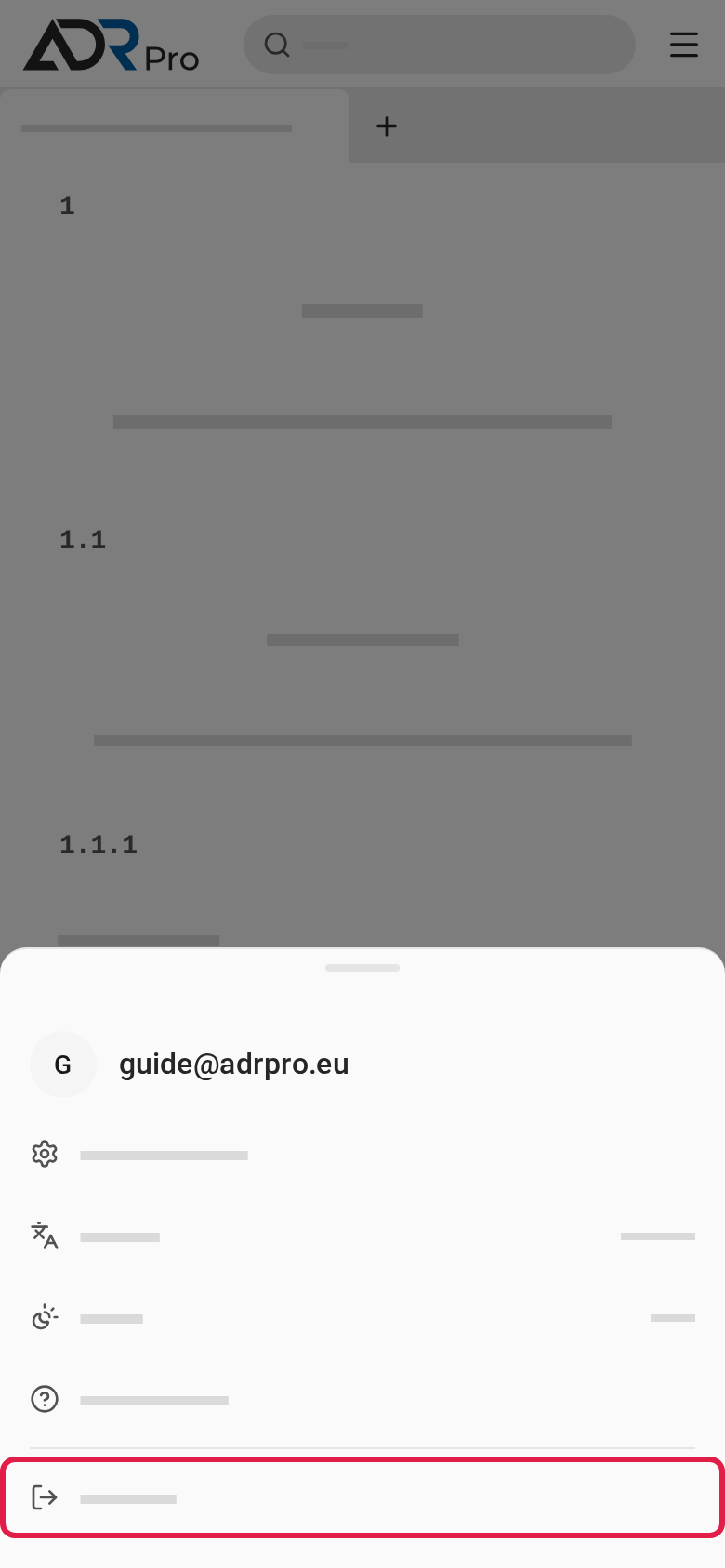
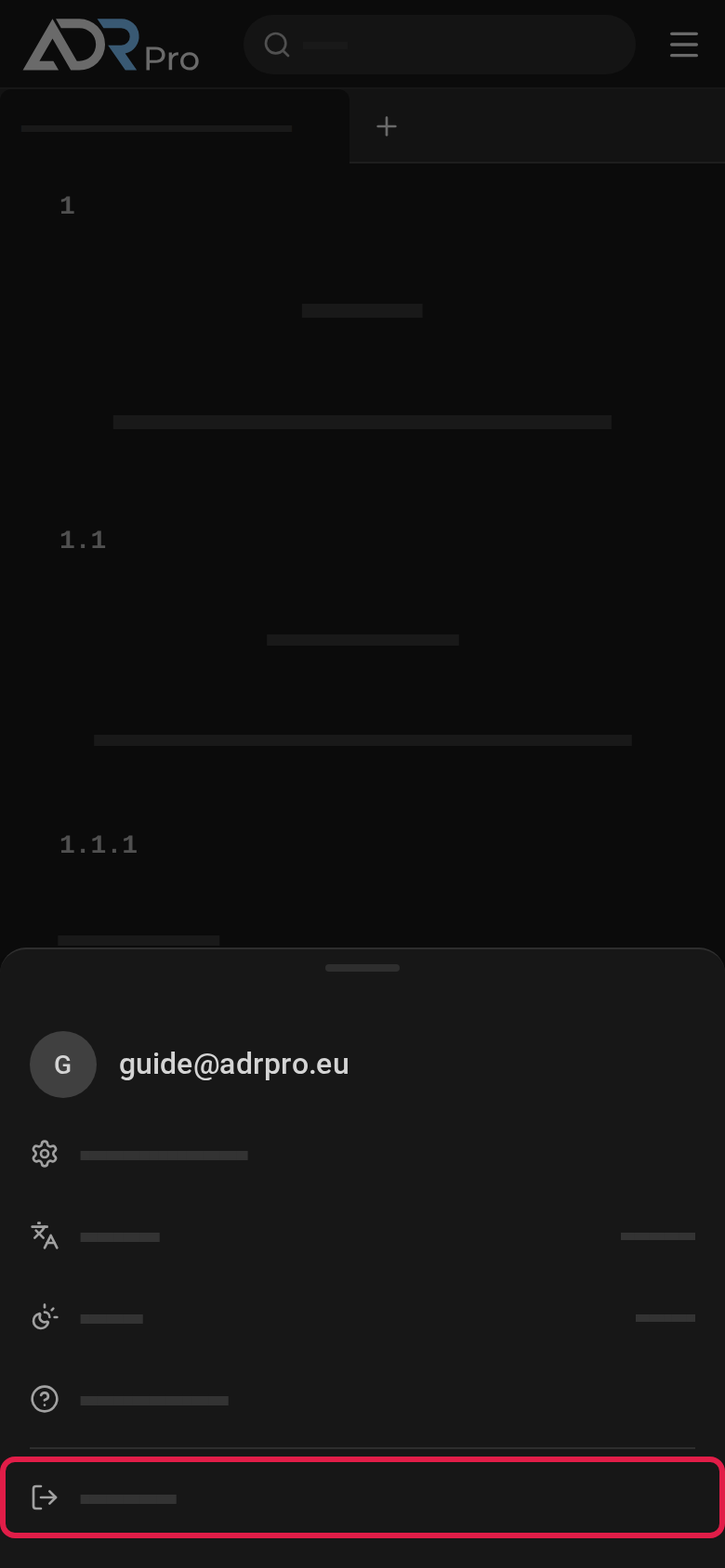
  2. Choose Sign out.

The account menu is open. The ring is around Sign out at the bottom of the menu.The account menu is open. The ring is around Sign out at the bottom of the menu.The account menu is open. The ring is around Sign out at the bottom of the menu.The account menu is open. The ring is around Sign out at the bottom of the menu.